




Message Template (WhatsApp Business)
What is a WhatsApp message template and how does it work?
A WhatsApp message template is a pre-approved message format that businesses use to start or re-open conversations with customers through the WhatsApp Business Platform. Templates are submitted to Meta for review before they can be sent. Once approved, they can be used at scale for outbound communication — order confirmations, delivery updates, appointment reminders, abandoned-cart nudges, or OTP codes.
How it works
A business creates a template with fixed text, optional variables (like customer name or order number), and optional interactive elements (buttons, quick replies). The template is submitted through the BSP's dashboard or API. Meta reviews it — typically within minutes to 24 hours. Once approved, the template can be sent to any customer who has opted in.
Templates are the only way to message a customer outside the 24-hour session window. If a customer has not messaged the business in the last 24 hours, a free-form message will not go through — only an approved template will.
Template categories and pricing
Each template falls into one of four conversation categories, which determine the per-conversation cost:
- Utility: transactional messages — order confirmations, shipping updates, account alerts.
- Authentication: OTP codes, verification prompts, login confirmations.
- Marketing: promotional campaigns, product announcements, re-engagement.
- Service: replies within the 24-hour window after a customer-initiated message (not template-based, but included in the pricing model).
Price varies by category and destination country. Authentication and utility conversations are typically cheaper than marketing conversations.


Зацікавлені у спеціальній пропозиції?
Готові розширювати можливості?
Давайте обговоримо.


Корисні Матеріали
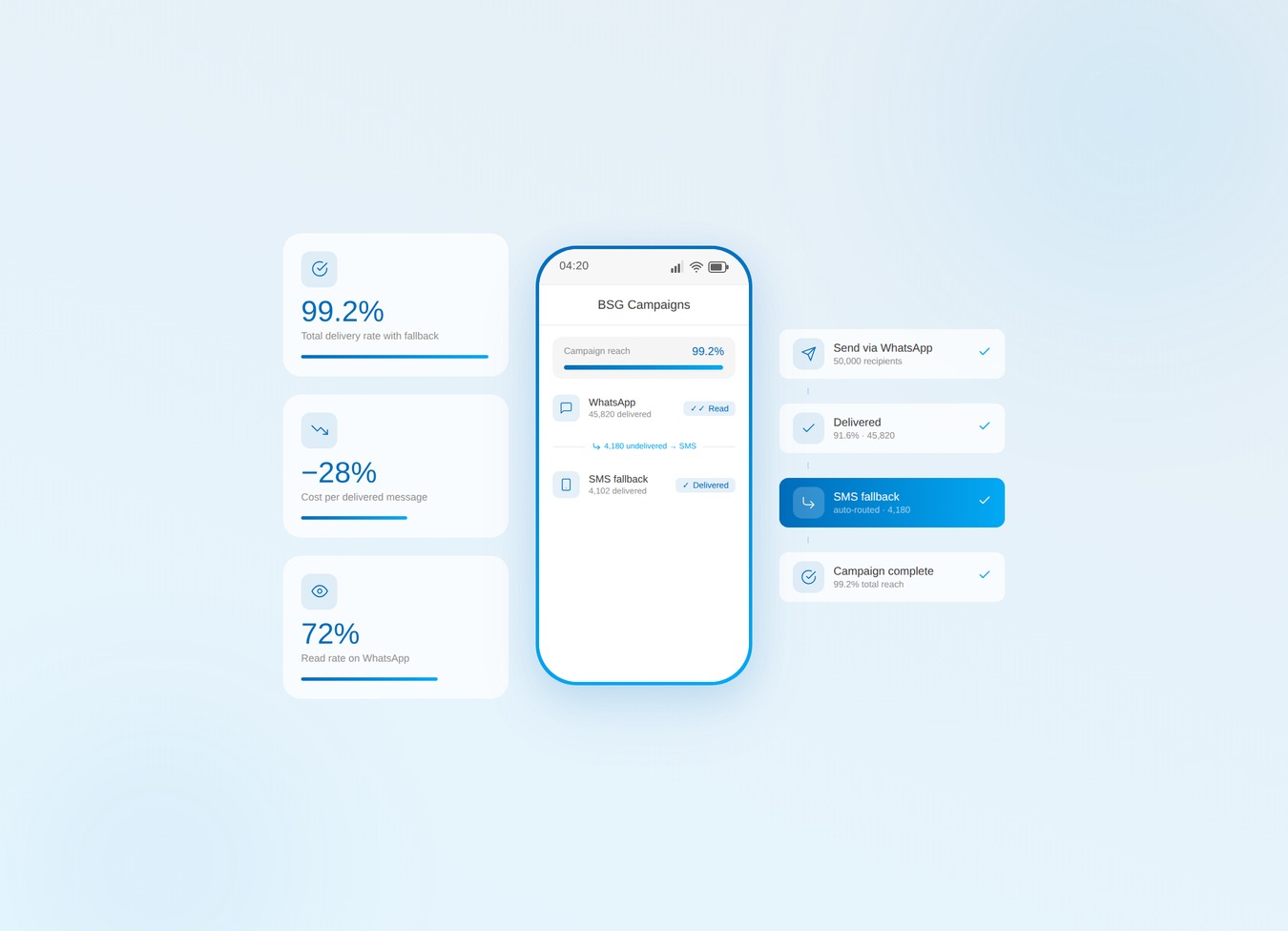
Bulk SMS alone leaks budget. Verify the list, then run WhatsApp-first with SMS fallback.
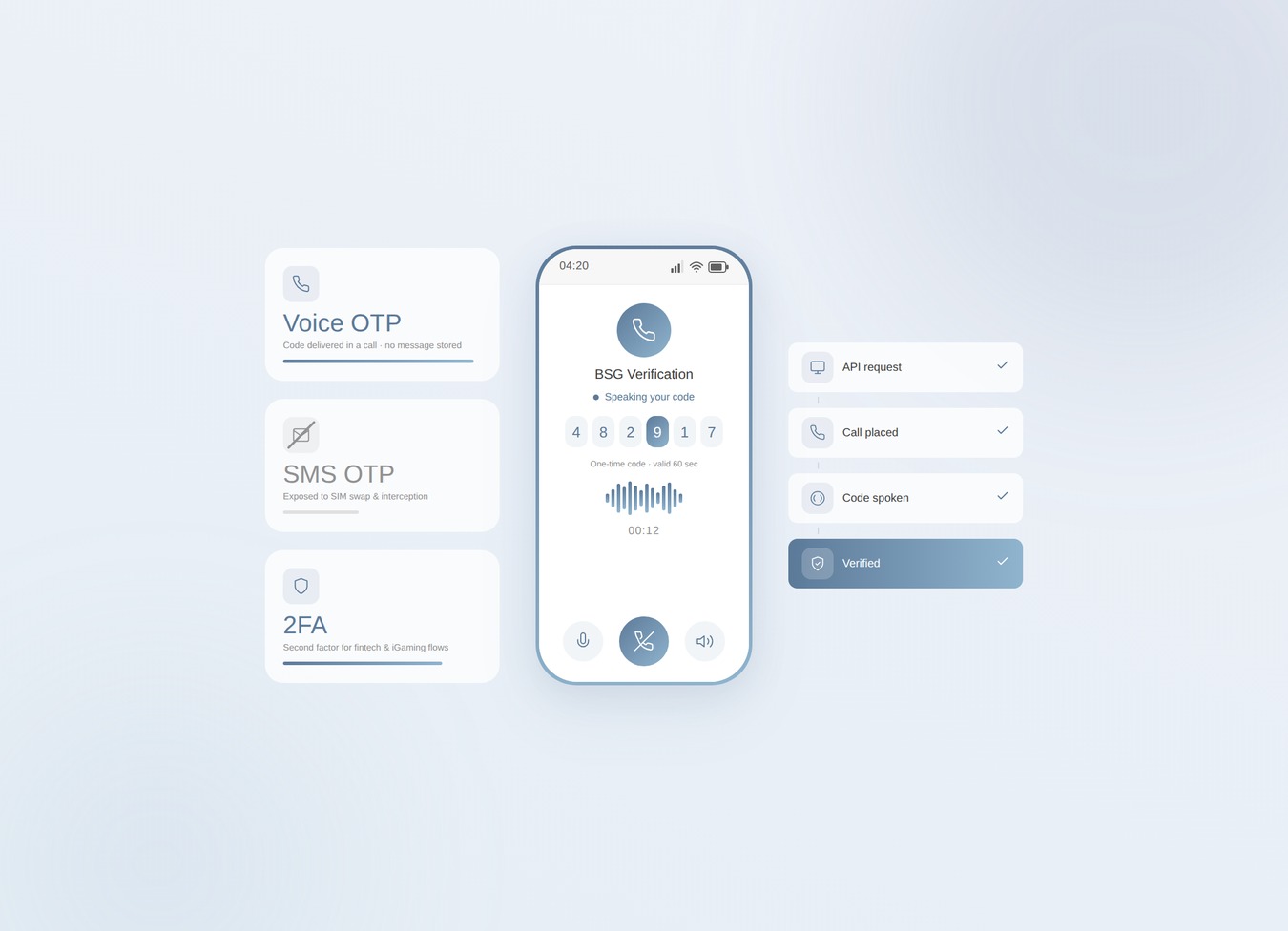
SIM swaps jumped 1,055% in a year. Voice OTP takes your riskiest codes off the SMS rail.
Telegram OTP is free — until it silently fails. Know the limits and when to add fallback.