




Customer Service Window
What is the customer service window?
The customer service window is the 24-hour period that opens when a WhatsApp user messages or calls a business, during which the business can reply with free-form messages instead of pre-approved templates.
How does the customer service window work?
On the WhatsApp Business Platform, a business cannot start a conversation with free-form text. It has to use an approved message template. The customer service window is the exception: when a user sends a message or calls, a 24-hour timer starts, and each new message from the user refreshes it. While the window is open, the business can send service messages — text, media, buttons, lists — composed on the fly, without Meta’s pre-approval. Once it closes, only templates can be sent again.
For support teams this window is where WhatsApp becomes a real two-way channel. A tutor, agent or chatbot can answer questions in context, share a file or guide the user step by step. The practical rule: design reminder templates so that they invite a reply, and staff or automate responses so they land inside the window.
Example
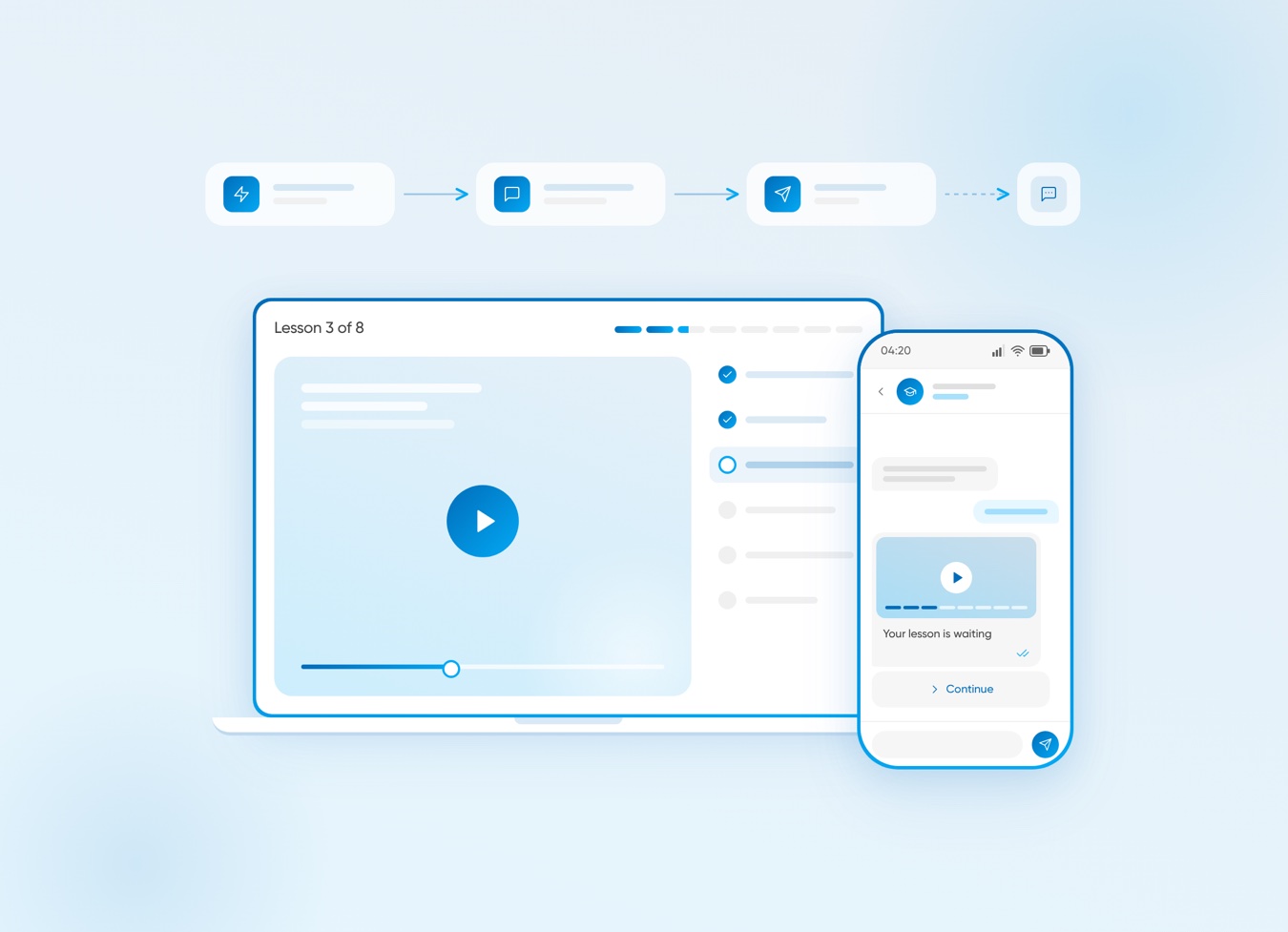
A student replies "I’m stuck on lesson 3" to a course reminder. For the next 24 hours, the school’s tutor can answer freely, send a short video and follow up — all without a new template.


Зацікавлені у спеціальній пропозиції?
Готові розширювати можливості?
Давайте обговоримо.


Схожі терміни
Рішення BSG
Корисні Матеріали
A 5-node WhatsApp and SMS flow with 8 ready texts, GDPR opt-in and metrics to cut course drop-off.
WhatsApp Business API for 2026 — setup steps, the new per-message pricing model, and proven use cases by industry.

10 real-world WhatsApp Business API use cases — cart recovery, KYC, delivery tracking, claims, onboarding, and more.