




Creating conversational bulk SMS messages can be a tall order for businesses, especially when there’s a need to execute this task swiftly due to the urgency of offers. The BSG platform is a comprehensive tool that assists businesses of any size in sending SMS messages with ease through simple operations. In the guide provided below, you will discover how to launch your SMS campaign using the BSG platform !
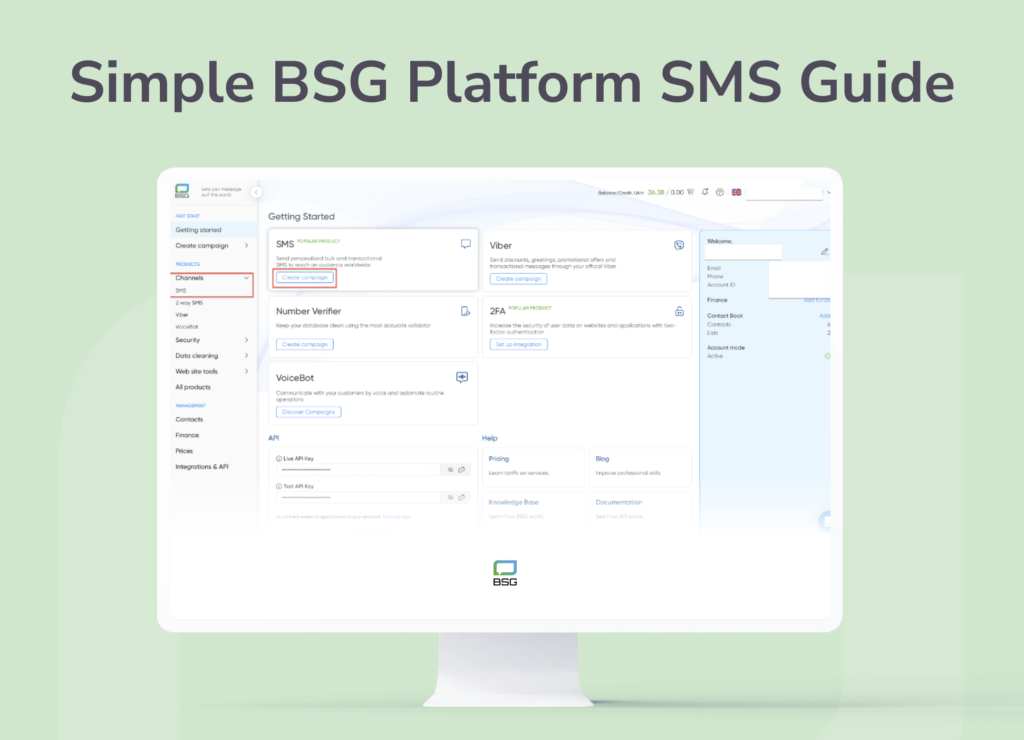
1. Start Your Campaign
- In the “Getting Started” section, select “SMS”.
- Create a Campaign Name. This is for your reference only and helps in identifying different campaigns. Feel free to use any naming system you prefer.
- Note: Although there’s no character limit for names, we recommend keeping it under 70 characters for optimal visibility.
We don’t limit the number of characters, but we recommend staying within 70 since the rest will not fit into the visible area.
2. Setting Up the Sender
In the “Sender” field, input the name that will appear as the sender in your SMS campaign. This can be either:
- Numeric (3-15 digits)
- Alphanumeric (3-11 characters, including Latin letters, numbers, or symbols)
To view a list of available senders, click the arrow on the right. This list is segmented by Sender Name, Country, and Registration Date.
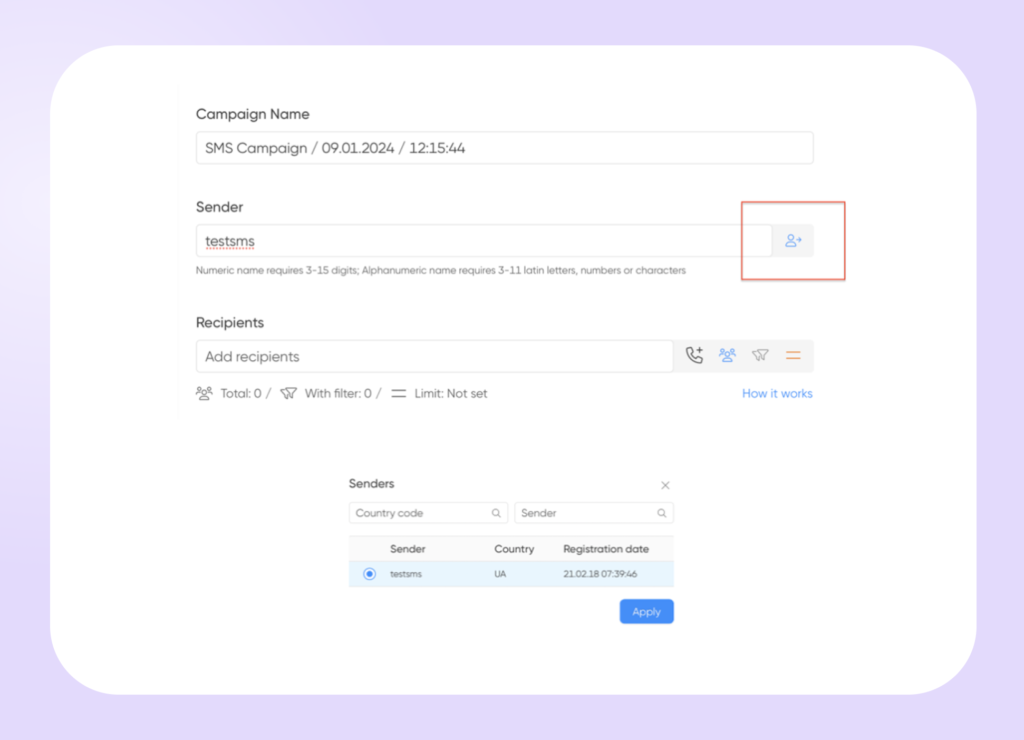
To view a list of available senders, click the arrow on the right. This list is segmented by Sender Name, Country, and Registration Date.
Important : If you’re a first-time user, you may need to register a sender’s name, depending on your target country. Choose a clear and recognizable sender name to build trust and encourage recipient engagement.
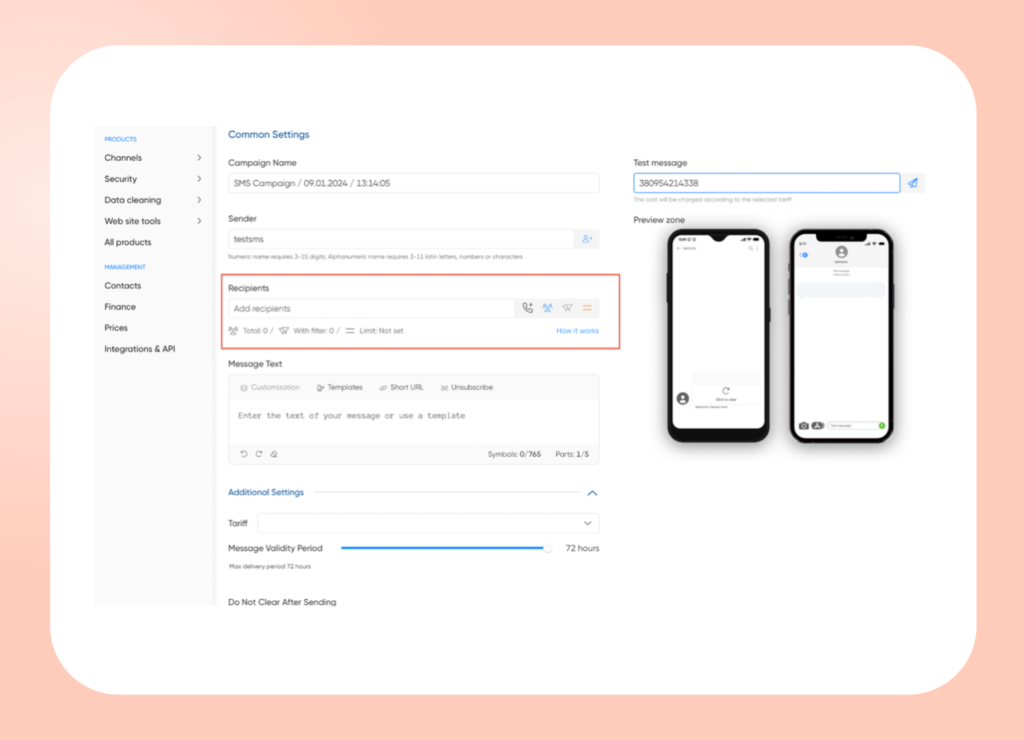
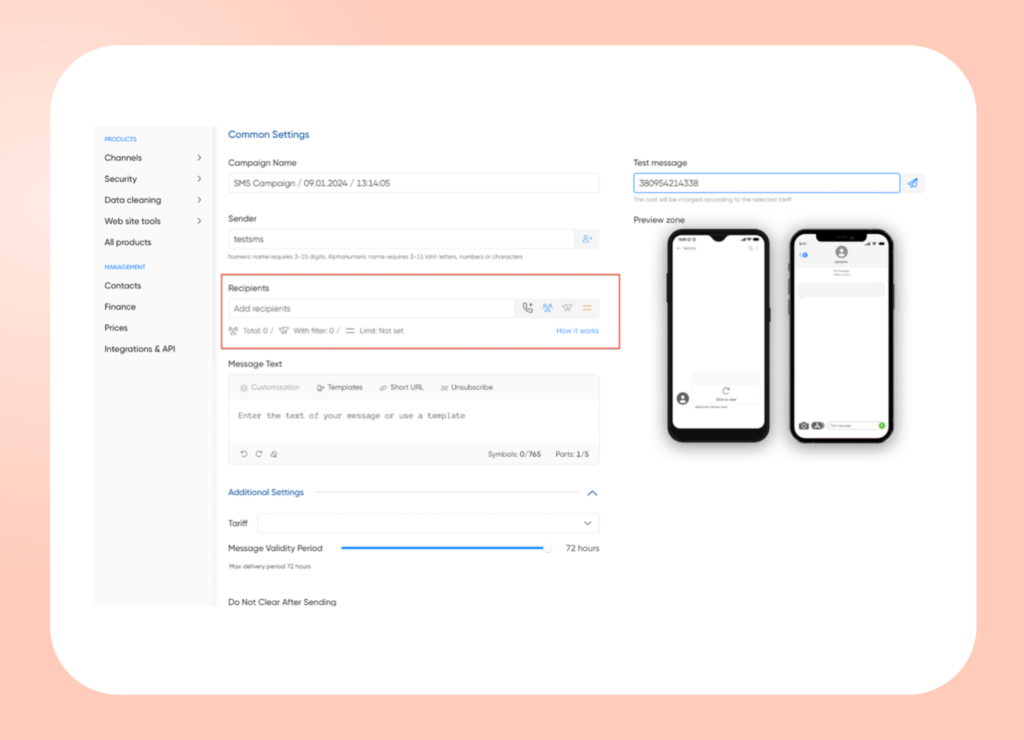
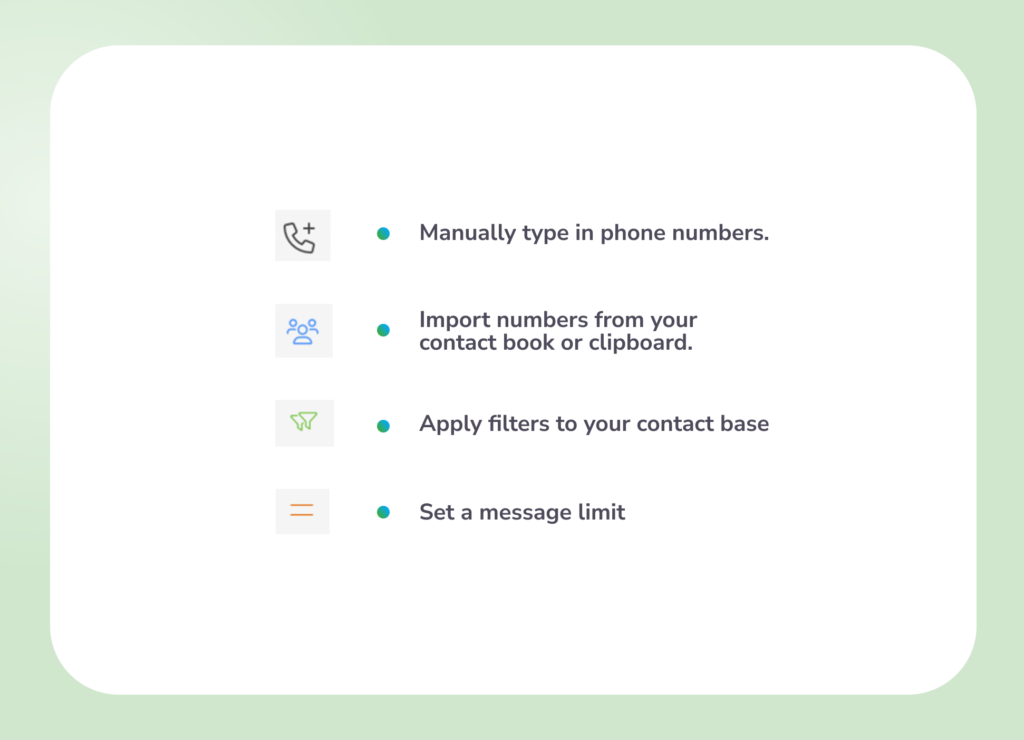
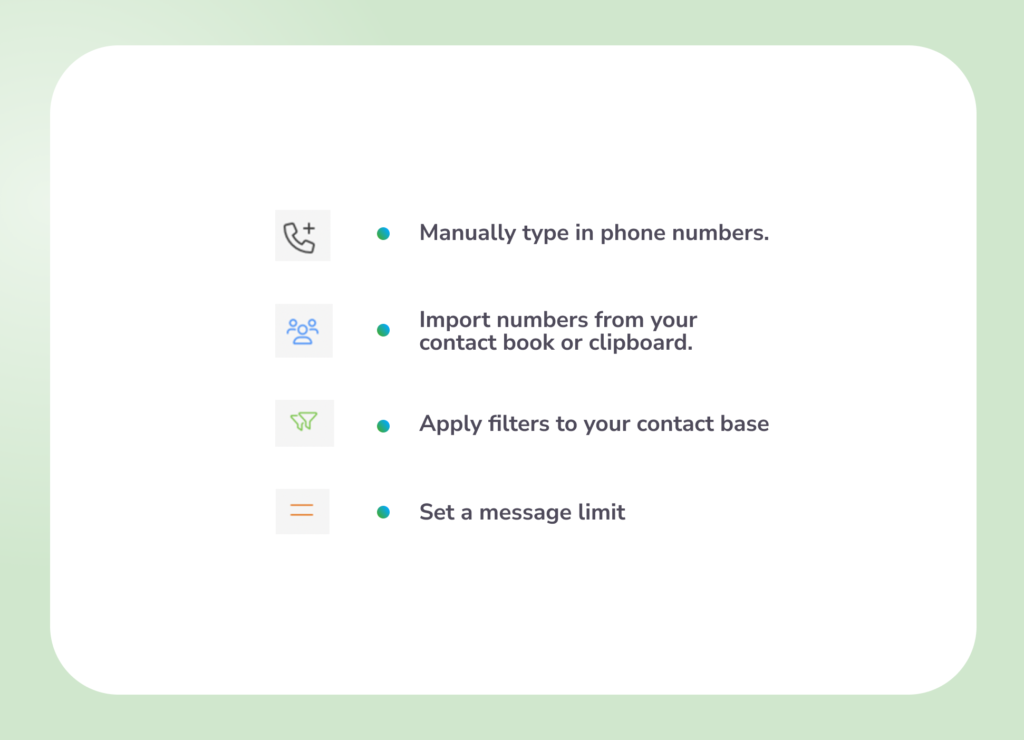
3. Adding Recipients
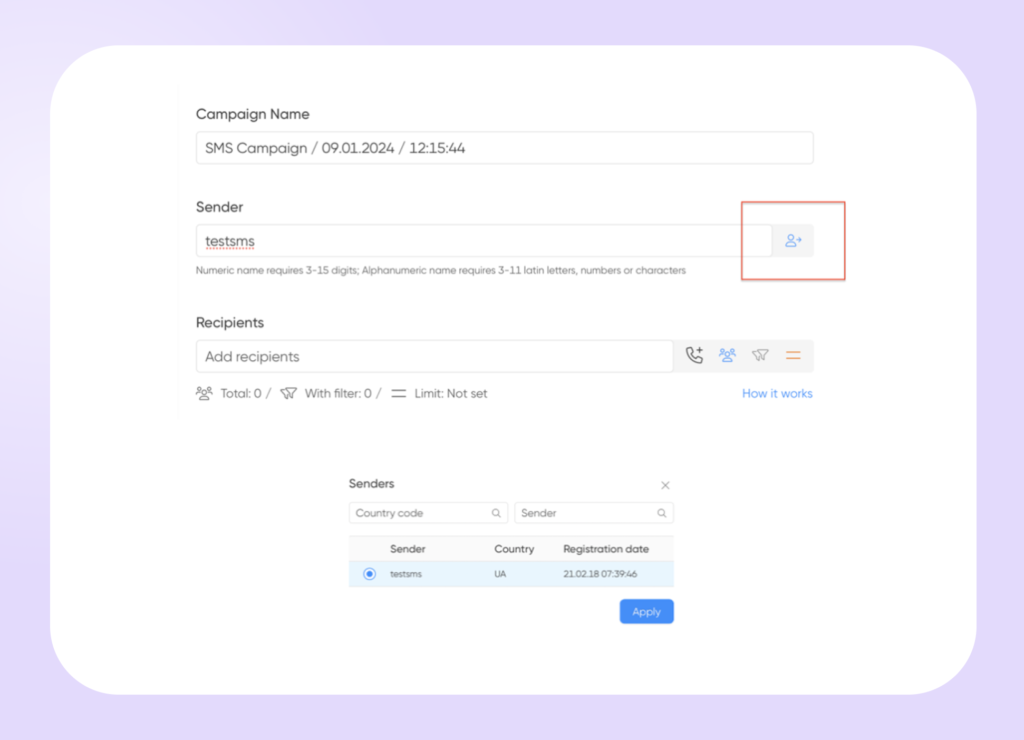
Click the relevant button to:
4. Create Text for Your Message
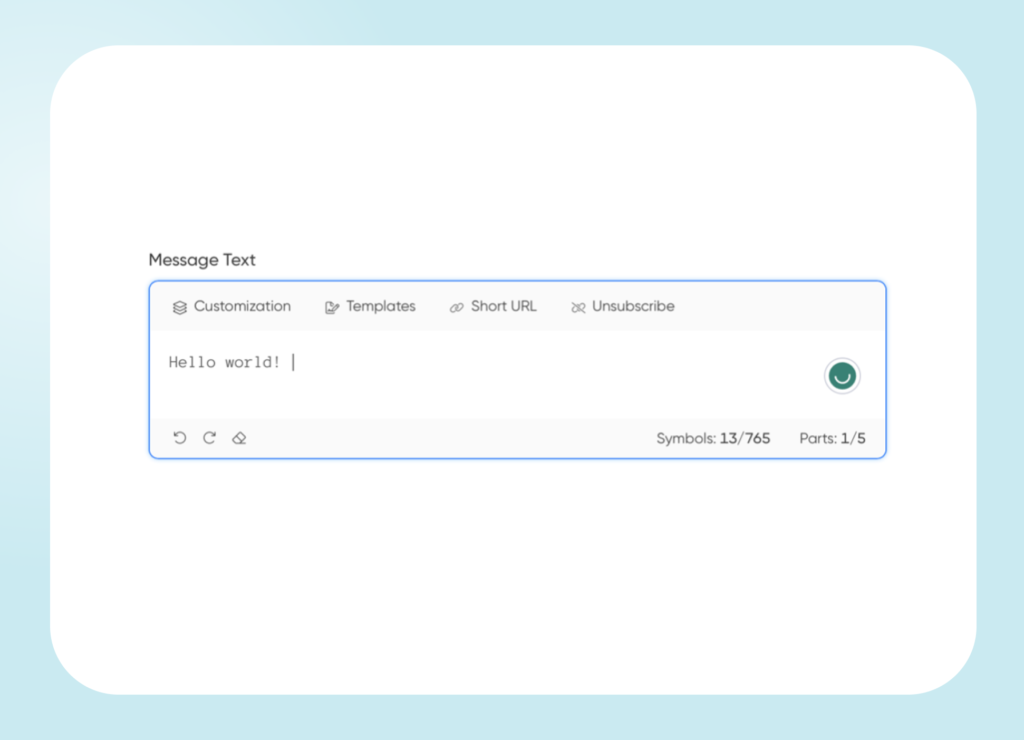
Enter your message text in the “Message Text” field (up to 765 characters).
Modify your message using the top toolbar:
5. Setting Additional Parameters
- Tariff Selection : Choose a plan that fits your contact list size and recipient country.
- Message Validity Period: Set the time frame for sending messages to temporary contacts. A longer period increases the likelihood of reaching all contacts.
- Campaign Persistence : Enable the option to retain the campaign setup after sending. This saves time for future campaigns.
- Additional Parameters : Include options like considering the SMS Stop List for insights on message rejections and receiving email notifications upon campaign completion.
6. Preview Your Campaign:
- Use the preview zone to ensure all fields are correctly filled and settings are appropriate.
- See how your SMS will appear to recipients and send a test campaign to your phone number for final verification.
That’s it! You have successfully sent your first Bulk SMS Message with the BSG platform! What’s next? You can switch to the analytics page to discover recent insights about your campaign, elevate SMS marketing metrics , and easily skyrocket your product!


Interested in a special offer?
Ready to reach further?
Let’s talk


Related articles

Want to keep your customers' info super-secure? Try SMS One-Time Passcodes! It's like a secret code that verifies your customers' identity each time they log in or access protected data. No more worries about hackers or privacy breaches. Keep your peeps safe with SMS OTP.

Are you a fan of online gaming and betting or do you have an iGaming

At a time when most people would rather get a text than a phone call,