




2-Factor Authentication
What is 2-Factor Authentication?
Two-Factor Authentification or 2FA is an extra layer of security while accessing service or a web app. To verify user’s identity, 2-Factor authentification requires both online password and mobile number. The users not just receive credentials of the service to access sensitive data but they also receive a one-time passcode or Pin number via SMS or on their token. Users have their mobile phones with them all the time so the advantage of using mobiles for 2FA is obvious: user receive verification code on something only they have. The way it works is that the user has a one-time PIN number (OTP) sent to their mobile phone, then user just types the received OTP into application form to confirm the persona.
Two-Factor Authentification or 2FA is an extra layer of security while accessing a service or a web app. To verify a user’s identity, 2-Factor authentification requires both an online password and mobile number.
The users do not only receive credentials of the service to access sensitive data but also receive a one-time passcode or Pin number via SMS or on their token. Users have their mobile phones with them all the time so the advantage of using mobiles for 2FA is obvious: users receive a verification code for something only they have.
The way it works is that the user has a one-time PIN number (OTP) sent to their mobile phone, then the user just types the received OTP into the application form to confirm the persona.
Two-factor authentication (2FA) is basically a second identity check that ensures it is really your customer and keeps their accounts and services safe from hackers. It acts as a sort of second password when logging into your websites.
BSG covers this in more depth in How Two-Factor Authentication Helps Mitigate Cybersecurity Risks for Large Enterprises.
How does 2FA work?
There is a high chance your customers know what 2FA means and they have used it on other websites. 2FA processes usually involve the same steps, and knowing their data is safe with you would make a lot of difference:
- Once they get on your website, they type in their username and password. Your server finds a match and confirms the user.
- A dialogue box comes up for the user to initiate the second login step, and although this step can take a number of forms, the user needs to prove that they have something only they would have, like biometrics, a physical token, or a smartphone.
- Once they can provide both factors, they are confirmed and granted access to their account on your application or website.
Three types of 2FA
While text messages are the most popular form of 2FA used today, there are other types that are also secure. Let’s take a look at each one:
- Text messages
After the user enters their password, you can send a text message to your customer with a one-time code. They must enter it on the website within a fixed period of time to complete the login process.
- App-based codes
Your customers can use apps such as Google Authenticator to punch in codes. The app generates random keys that change every 30 seconds in order to keep your users’ accounts secure and it is available on both Android and iOS. Authentication apps work with multiple websites.
- Physical keys
Physical keys are the gold standard for 2FA. A physical key is a small device that plugs into a computer or connects wirelessly to a phone. When you enter your password, the site will ask you to touch your key or press a button on it, depending on the type, and they can be used on multiple websites.
Why should you use 2FA for your business?
It is essential to not rely on a single method for comprehensive protection for your clients. So, it seems apparent that you should implement 2FA to protect your company’s most important asset.


Interested in a special offer?
Ready to reach further?
Let’s talk


Related Terms
Explore BSG Solutions
Useful Materials
![WhatsApp Business API: Complete Guide — Setup, Pricing, Use Cases [2026]](/assets/img/blog/whatsapp-business-api-setup-pricing-use-cases-guide_avatar.jpg)
WhatsApp Business API for 2026 — setup steps, the new per-message pricing model, and proven use cases by industry.
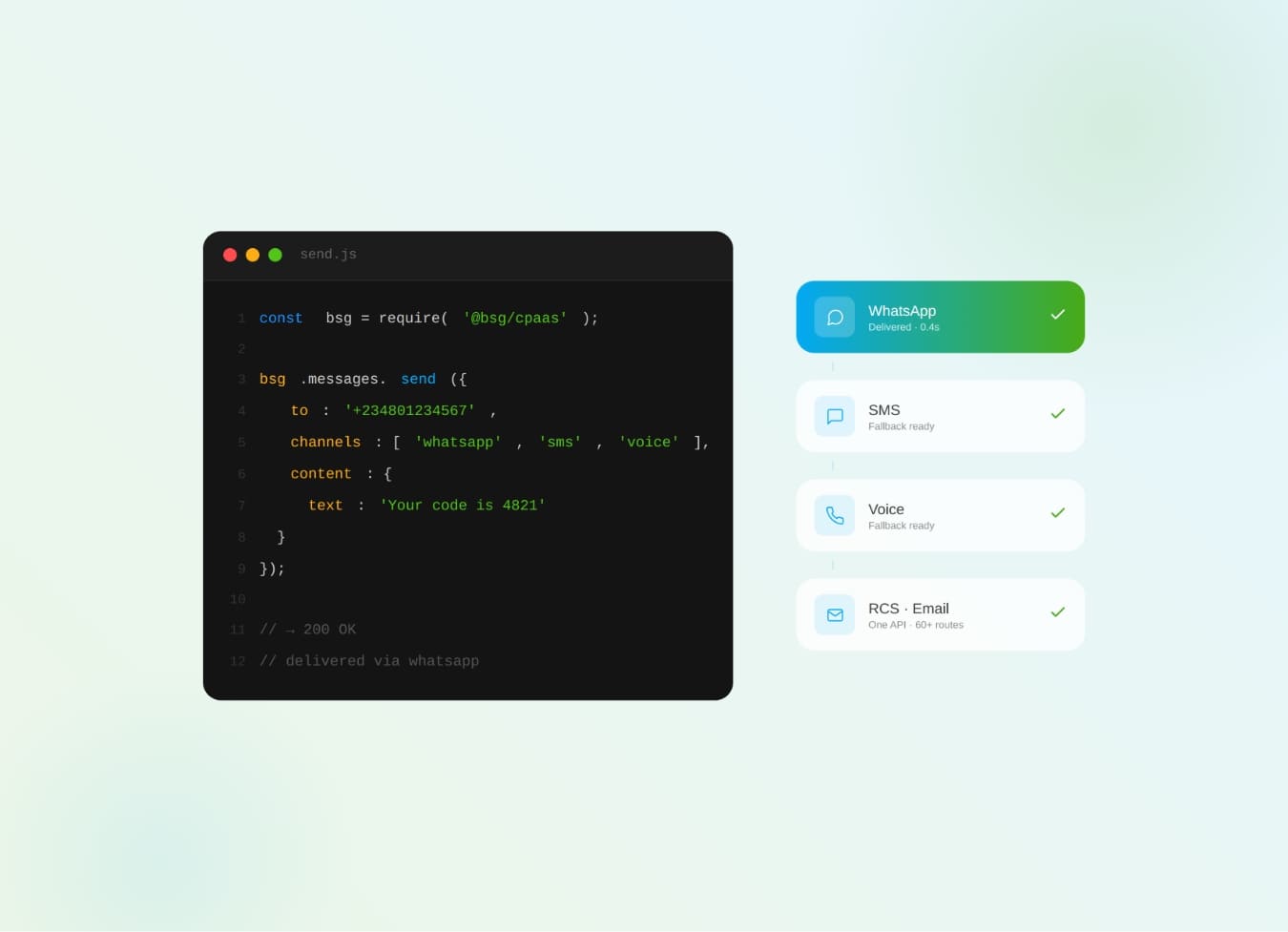
What is CPaaS? The cloud API layer that adds SMS, WhatsApp, voice & OTP to your apps — how it works and why it beats a multi-vendor stack.
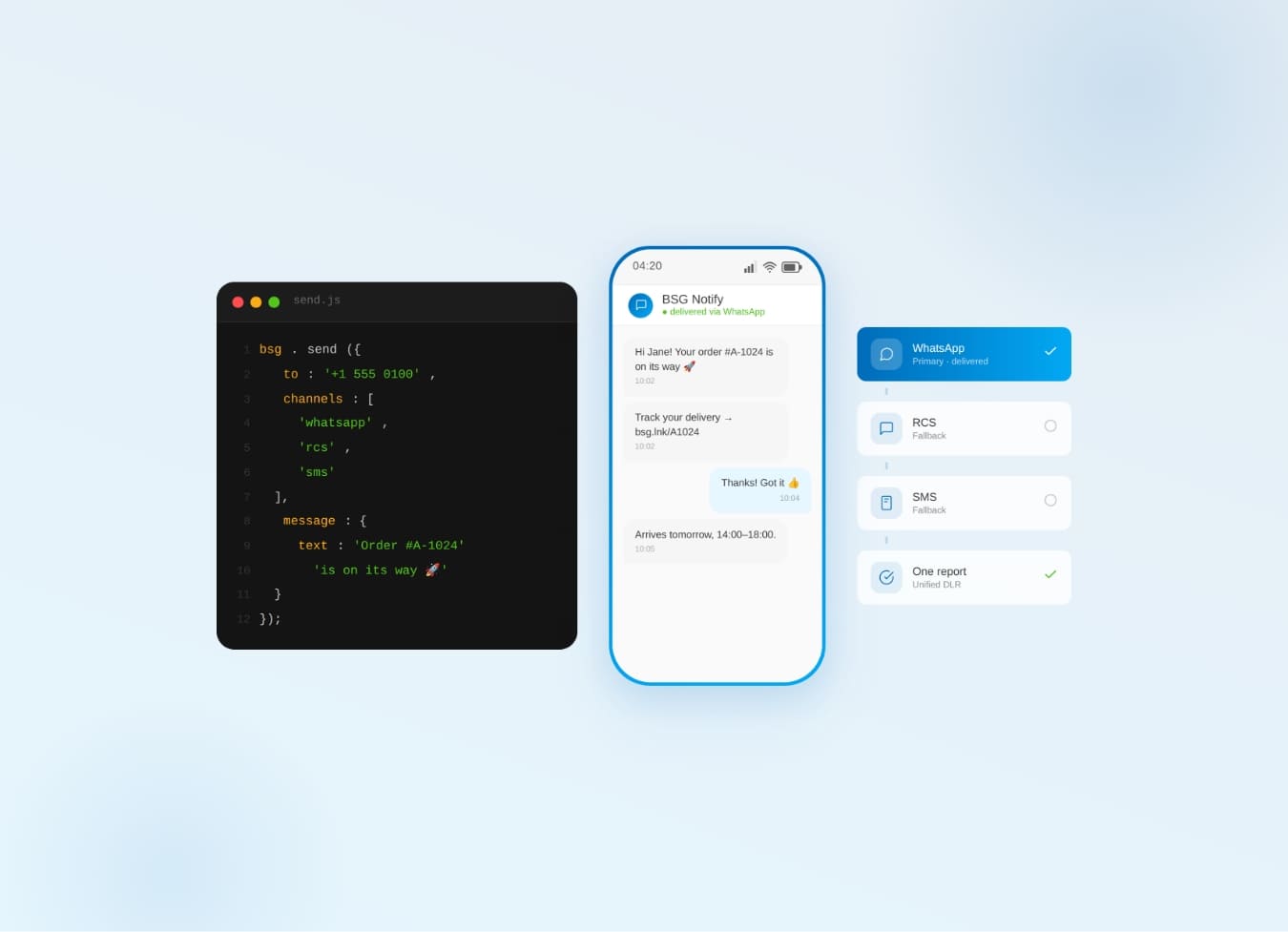
Why one communication API for SMS, WhatsApp, Viber & RCS beats five separate integrations — cascade fallback, unified reports.