




Multi-Device Linking (WhatsApp Business)
What is multi-device linking and how does it work?
Multi-device linking is a built-in feature of the WhatsApp Business app that allows up to four additional devices — laptops, desktops, tablets, or extra phones — to connect to a single business account alongside the primary phone. All five devices share the same inbox and can send replies from the same business number.
How it works
On the primary phone, the account owner opens the WhatsApp Business app, navigates to Linked Devices, and scans a QR code displayed on the secondary device. Each linked device then sees the full conversation history and can respond independently. Up to four devices can be linked at a time, for a total of five access points.
The primary phone must come online at least once every 14 days. If it stays offline longer, all linked sessions expire and agents lose access until the phone reconnects.
Where it fits and where it stops
For teams of two to five people, multi-device linking solves the access problem — everyone works from their own screen instead of passing a phone around. It does not solve coordination. There is no conversation assignment, no routing logic, no per-agent analytics, and no collision prevention. Two agents can reply to the same customer at the same time, and the app will not flag it.
Teams that need routing, agent assignment, chatbot automation, or integrations with order management systems require the WhatsApp Business Platform (API) — accessed through a verified Business Solution Provider.


Interested in a special offer?
Ready to reach further?
Let’s talk


Useful Materials
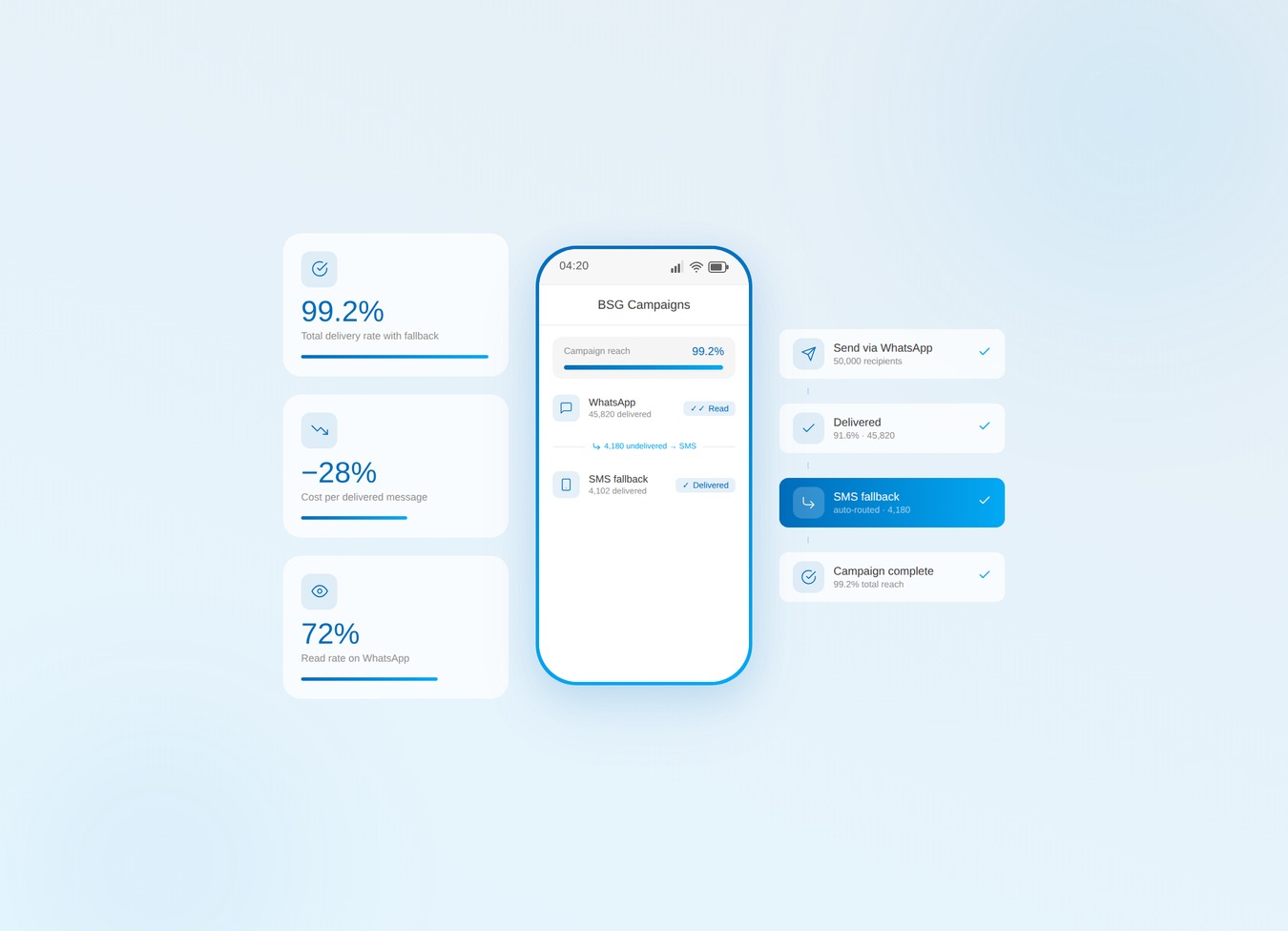
Bulk SMS alone leaks budget. Verify the list, then run WhatsApp-first with SMS fallback.
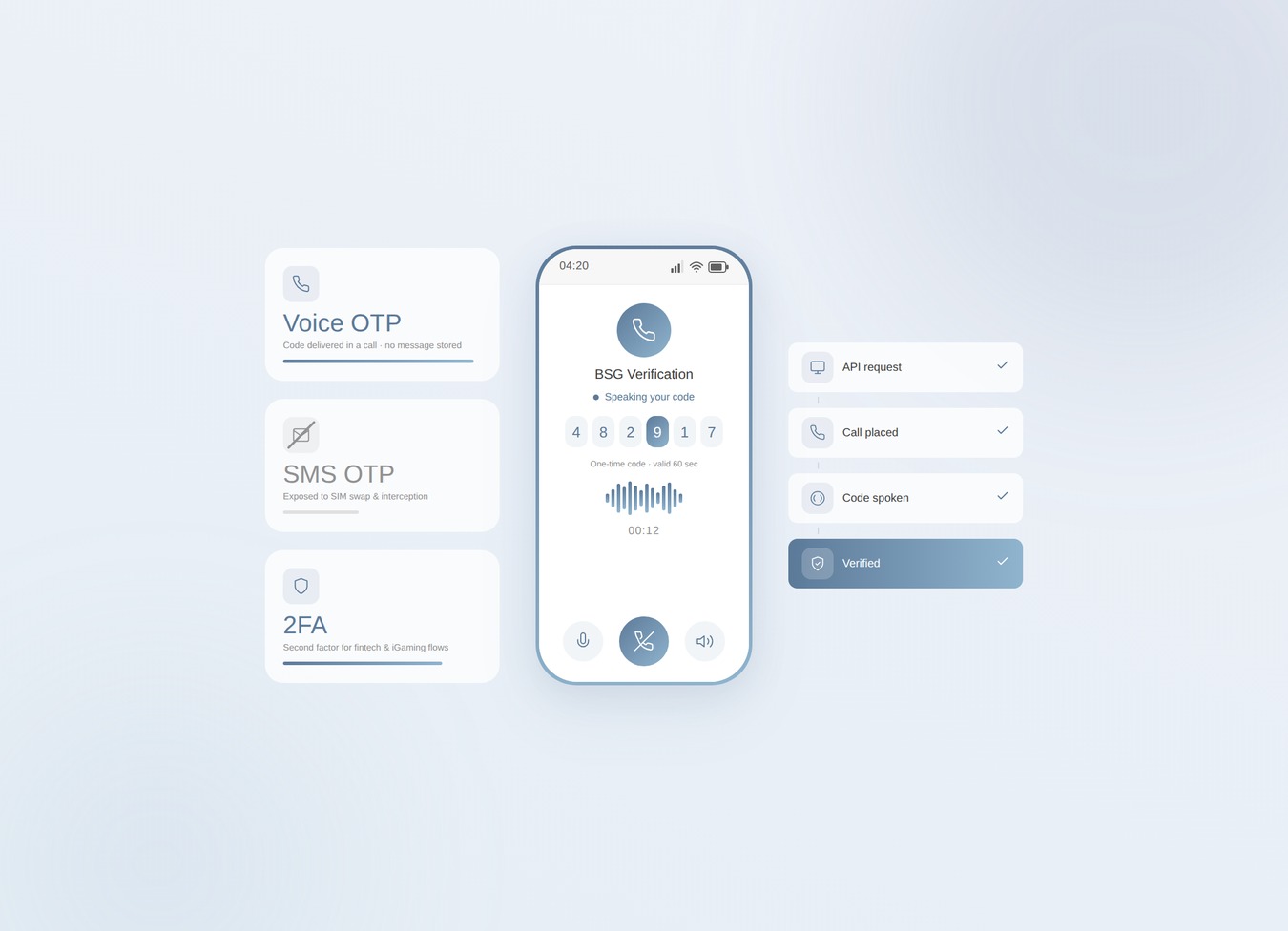
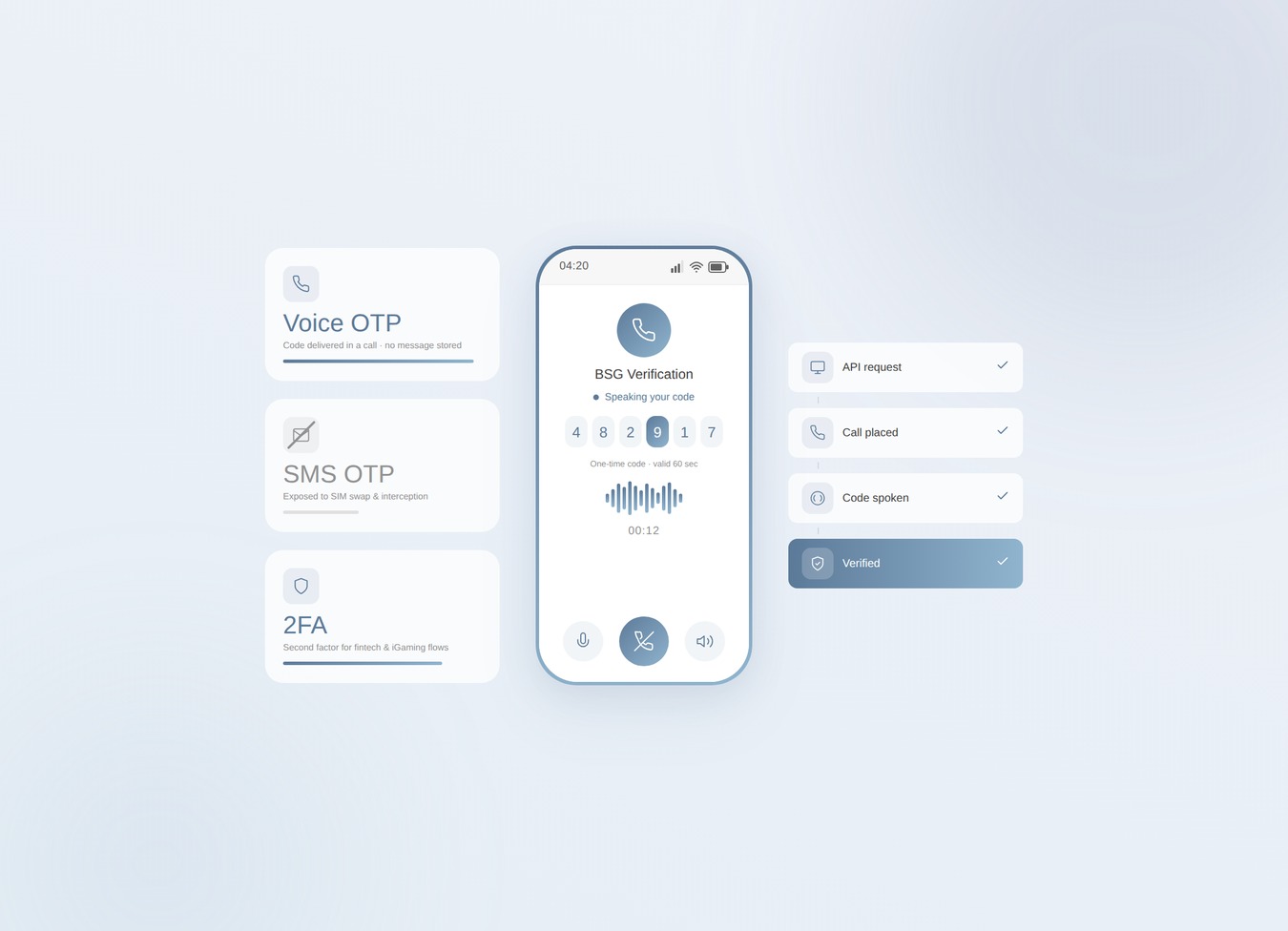
SIM swaps jumped 1,055% in a year. Voice OTP takes your riskiest codes off the SMS rail.
Telegram OTP is free — until it silently fails. Know the limits and when to add fallback.