




Tyntec Alternative: Migrate SMS, Verification and WhatsApp Traffic

Looking for a Tyntec alternative and a way to move without your customers noticing? Order updates, reminders and WhatsApp conversations need to keep arriving from the sender name people already know, while the traffic behind them changes route. This guide gives you the order that keeps that risk lowest.
You'll get a five-step plan — inventory, exports, country rules, a parallel run and a country-by-country cutover — plus a checklist of what to take before you go. At the end, you'll see how to add WhatsApp with SMS as a fallback in the same project. Treat it as a plan to avoid downtime, not a promise of zero downtime. BSG is not affiliated with Tyntec.
Step 1 — Inventory every traffic stream, verification first
Your inventory decides everything that follows: which countries need Sender ID work, which code paths change and how long the parallel run must last. Start with verification. It's the traffic your users notice within seconds, and the calls often sit inside sign-up forms, fraud rules or routing logic owned by a different team than marketing.
SMS, number lookups and WhatsApp messaging all have a direct equivalent at BSG, so the work is mostly re-pointing integrations and testing rather than redesigning flows. If you used something without a like-for-like match, such as an agent inbox, virtual numbers or voice, raise it with BSG's business development team early so it doesn't hold up the rest of the move.
Then list each stream separately:
- One-time passwords and other verification messages. Move this traffic too, and confirm the terms for it with BSG's business development team before you switch.
- Number lookups, whichever API or protocol they use.
- Transactional SMS: order, delivery, payment and account notifications.
- Marketing SMS, together with its consent and opt-out records.
- WhatsApp numbers, templates and the systems that trigger them.
- Inbound traffic: replies, keywords and two-way flows.
For every stream, record the countries, monthly volume, sender type, triggering system and an internal owner. Routing, Sender ID work and testing are planned stream by stream and country by country, so this list is the basis for the rest of the plan.
Step 2 — What to export before access changes
Export everything before you change anything, and store copies outside any single vendor system. These files are the baseline for your parallel run and the record your compliance team will ask for.
Checklist: what to take before you move
- Sender IDs per country, with registration documents, letters of authorization and operator approval references.
- WhatsApp assets: WABA IDs, phone numbers, display names, and every template's name, language, category, exact text and status.
- Delivery reports (DLR) per country and operator for recent months.
- Volume history by country, month and traffic type — your next provider routes and prices from it.
- Number lookup logs: request volumes and the response fields your code actually reads.
- Integration map: endpoints, webhooks, callback URLs, IP allowlists, SMPP binds and retry logic.
- Consent and opt-out records with timestamps.
- Contract and recent invoices.
Exact template text matters more than it looks. In Meta's current account model, message templates belong to the Messaging account in which they were created and are not shared across Messaging accounts (Meta for Developers, 2026). With a new provider you will usually re-create them and resubmit them for approval, and rewriting them from memory changes wording your compliance team already signed off.
Step 3 — What moves to a Tyntec alternative, country by country
Some assets move with your business. Others are tied to the provider and have to be rebuilt.
| Asset | What happens | What you need to do |
|---|---|---|
| WhatsApp business phone number | Stays in your WhatsApp account, with its display name, quality rating and messaging limit unchanged | Share your WhatsApp account with the new provider in Meta Business Suite; the number itself is not migrated |
| WhatsApp message templates | Stay in the old provider's Messaging account | Re-create them and resubmit them from your exported text |
| Alphanumeric Sender ID | Depends on each country's rules | Where registration applies, file a new application through the new provider |
| Number lookups (portability, verification) | The API integration does not transfer | Re-point calls to the new lookup API and re-map response fields |
| Delivery reports and volume history | Stay in the old system | Use your exports as the baseline for the parallel run |
The WhatsApp rows follow Meta's documentation on its new account model, which reached all businesses by mid-October 2026 (Meta for Developers, 2026). Meta split what used to be a single WhatsApp Business Account (WABA) into two: a WhatsApp account that holds the business phone number and is always owned by your business, and Messaging accounts that hold message templates, one for each partner. Migrating a number from one partner to another isn't supported in this model. To switch WhatsApp Business API provider, you share your WhatsApp account with the new provider in Meta Business Suite. Sharing is additive, so the previous provider can keep access until cutover is complete.
SMS Sender IDs follow each country's operator rules, and there is no single European standard. Where the Sender ID is dynamic, no registration step is needed and the switch is mostly a testing task. Where Sender ID registration is required, approval time becomes your critical path, often per operator. The table summarizes key markets from BSG's guide to Sender ID registration in the EU and UK, based on BSG routing data as of September 2026. Operators update these rules, so confirm each target market with BSG before cutover.
| Country | How senders are treated | Before cutover |
|---|---|---|
| Germany, Netherlands | No pre-registration; dynamic alphanumeric sender | Test sender display on each network during the parallel run |
| Austria | No pre-registration; an international numeric sender is replaced with a national one | Use an alphanumeric or national numeric sender |
| France | No pre-registration; short code and numeric senders are rewritten to a generic alpha sender or short code | Keep an alphanumeric sender if customers recognize it |
| Poland | No pre-registration; some operators overwrite all senders with a fixed alpha sender | Check how the sender displays on each operator |
| Belgium, Spain | No pre-registration flagged in BSG routing data | Confirm per operator before launch |
| Czech Republic | Registration mandatory on T-Mobile and O2; unregistered senders there are replaced with a generic alpha sender | Register on both networks before the parallel run |
| Romania | Registration effectively required; Orange and Digi replace unregistered senders with a short code | Start registration early; a signed and stamped contract form is needed |
| Bulgaria, Croatia | Registration per operator | Start registration early; prepare sender IDs, content samples and website |
| Slovenia | Registration mandatory | Register before cutover |
| Italy | Branded sender only for companies with an Italian VAT number and PEC, registered via AGCOM; others get a local numeric sender | Check whether you have an Italian entity before promising a branded sender |
| Hungary | All senders overwritten with a numeric sender | Expect numeric display |
| United Kingdom | No pre-registration, but generic, numeric and non-compliant senders are blocked; promotional content must be whitelisted | Whitelist sender, text and links before the first campaign |
Step 4 — Run the parallel launch before you switch
A parallel run means sending a controlled share of live traffic through the new provider while your existing route carries the rest, then comparing results on the same countries, operators and message types. If you already moved some traffic to an interim provider, run it against that setup. It lets you judge a Tyntec alternative on your own traffic rather than on a sales deck.
Compare four things before you widen the share:
- Delivery statuses by country and operator, against the baseline you exported.
- Sender display on real handsets in each market, especially where the table above shows overwriting.
- Lookup parity: the same number should return the same network, ported status and active state from old and new lookup calls.
- Your own error handling: webhook formats, status codes and retries in your code, not just in a test console.
Without a parallel run, the first sign of a sender replaced by a short code in Romania, or a missing registration with a Czech operator, is a customer complaint. With one, it shows up in a comparison report before cutover.
Agree the order and conditions for OTP traffic with BSG separately; it's the stream with the least room for error. BSG provides delivery webhooks and reporting, so you can run the comparison on your own dashboards.
Step 5 — Cut over by country, then switch off the old integration
Move markets in order of readiness, not size. Countries with dynamic Sender IDs and clean parallel-run results go first. Registration markets follow once approvals are in, and verification traffic moves on the schedule agreed with BSG. Keep the previous route as a fallback for an agreed observation window, and only then send 100% of a market's traffic through the new provider.
Switching off is a task of its own. Revoke old API keys, remove webhooks and allowlisted IPs, archive your exports, and update your list of processors and your data processing records under GDPR.
Move once, upgrade on the way: WhatsApp first, SMS as fallback
You're rebuilding the integration anyway, so this is a good moment to change how messages are sent, not just where. If you sent only SMS through Tyntec, you can add WhatsApp in the same project. If you already used WhatsApp there, keep the number (Step 3) and put it in front of SMS.
With BSG WhatsApp API, a message goes to WhatsApp first and, if it isn't delivered, automatically falls back to SMS. That's a message cascade: customers who use WhatsApp get a message with buttons and media, everyone else still gets the SMS. The same pattern works with RCS in front of SMS through BSG One API, with one format for delivery reports across channels.
One practical note: WhatsApp messages you start need approved templates, so add template drafts to your migration plan, and ask BSG's business development team to price both channels of the cascade per country.
Bring your traffic inventory and export checklist to a call with BSG's business development team to discuss routes for each stream and country, where Sender ID registration is needed and how a WhatsApp-first cascade would work for your traffic. BSG holds 15+ national telecom licenses in the EU and has 60+ direct connections to mobile network operators. Book a migration call with BSG's business development team.
FAQ
Can I keep my WhatsApp Business number when I switch providers?
Yes. Under Meta's new account model, the number stays in your own WhatsApp account: instead of migrating it, you share that account with the new provider in Meta Business Suite. The display name, quality rating and messaging limit stay unchanged, but message templates usually have to be re-created with the new provider.
Do I need to re-register Sender IDs when I switch SMS provider?
It depends on the country. Germany and the Netherlands accept a dynamic sender without pre-registration, while Bulgaria, Croatia, the Czech Republic, Romania and Slovenia require registration with at least some operators. The UK needs no pre-registration but blocks generic and numeric senders and requires promotional content to be whitelisted, so start this work before cutover.
How long does a migration from Tyntec take?
There is no standard timeline: it depends on the number of countries, traffic streams and Sender ID registrations involved. Ask BSG's business development team for an estimate based on your inventory.


Interested in a special offer?
Ready to reach further?
Let’s talk


Related articles
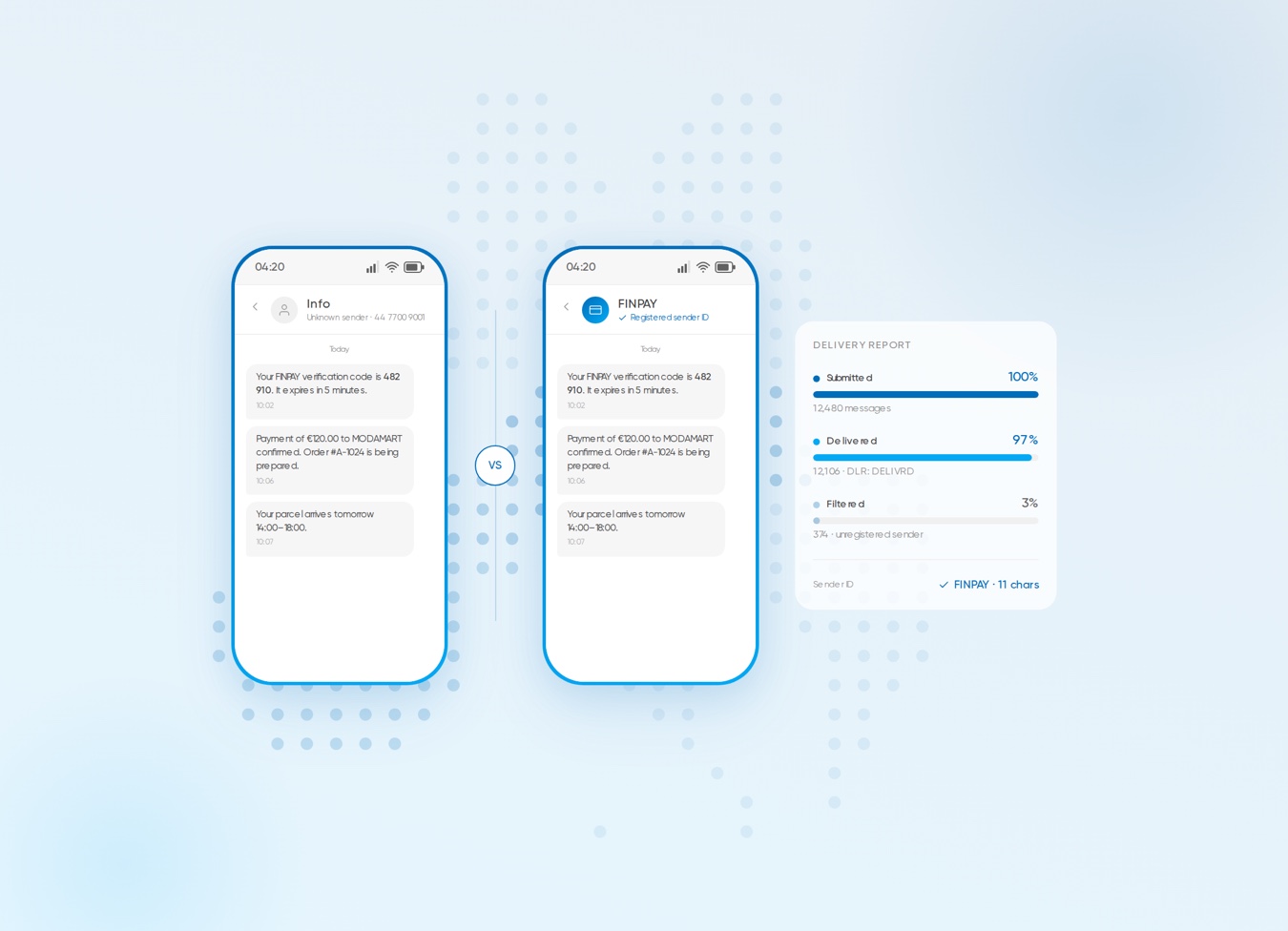
Why unregistered senders get filtered in the EU and UK, and what each country requires for sender ID registration.
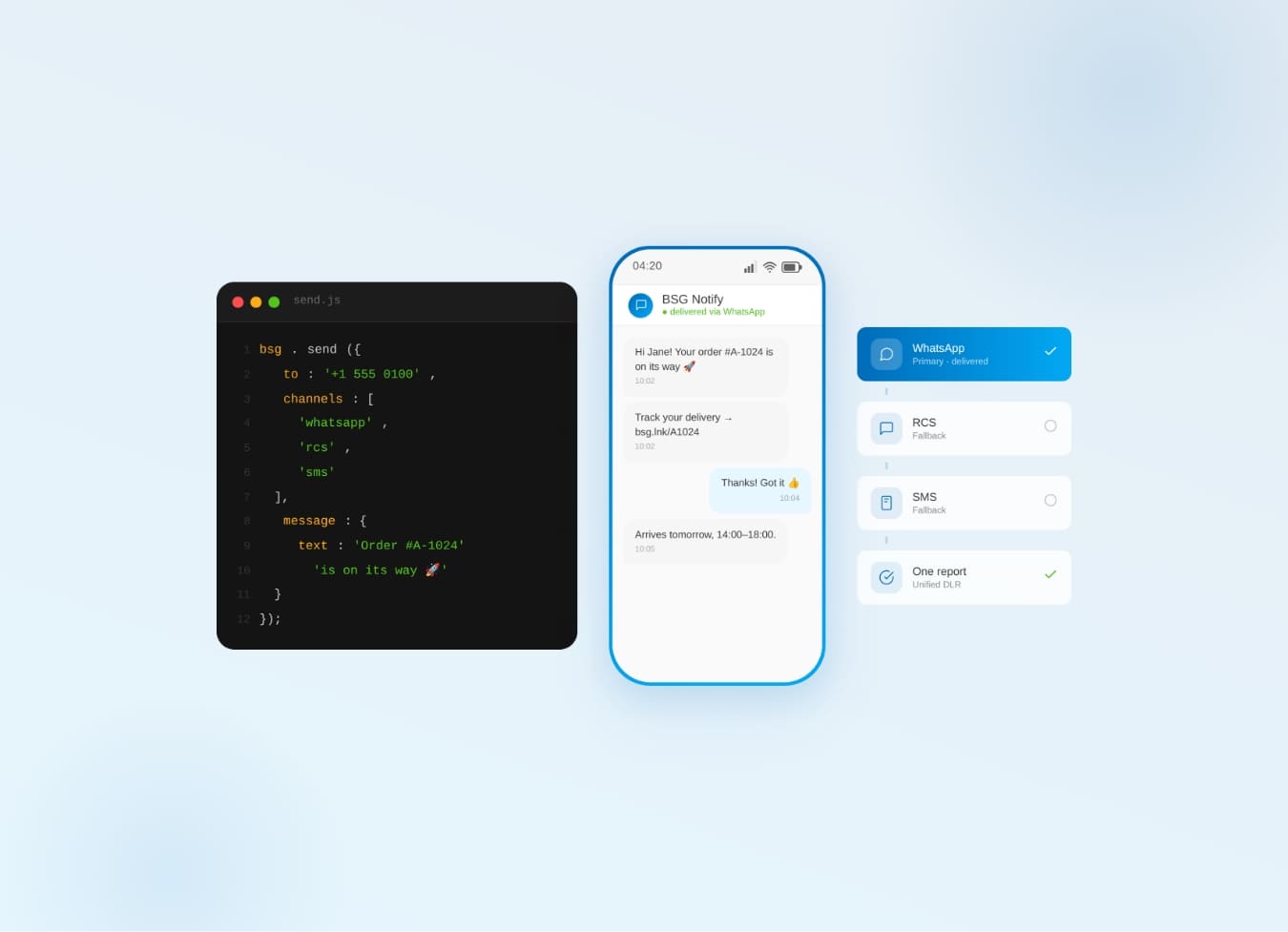
Why one communication API for SMS, WhatsApp, Viber & RCS beats five separate integrations — cascade fallback, unified reports.
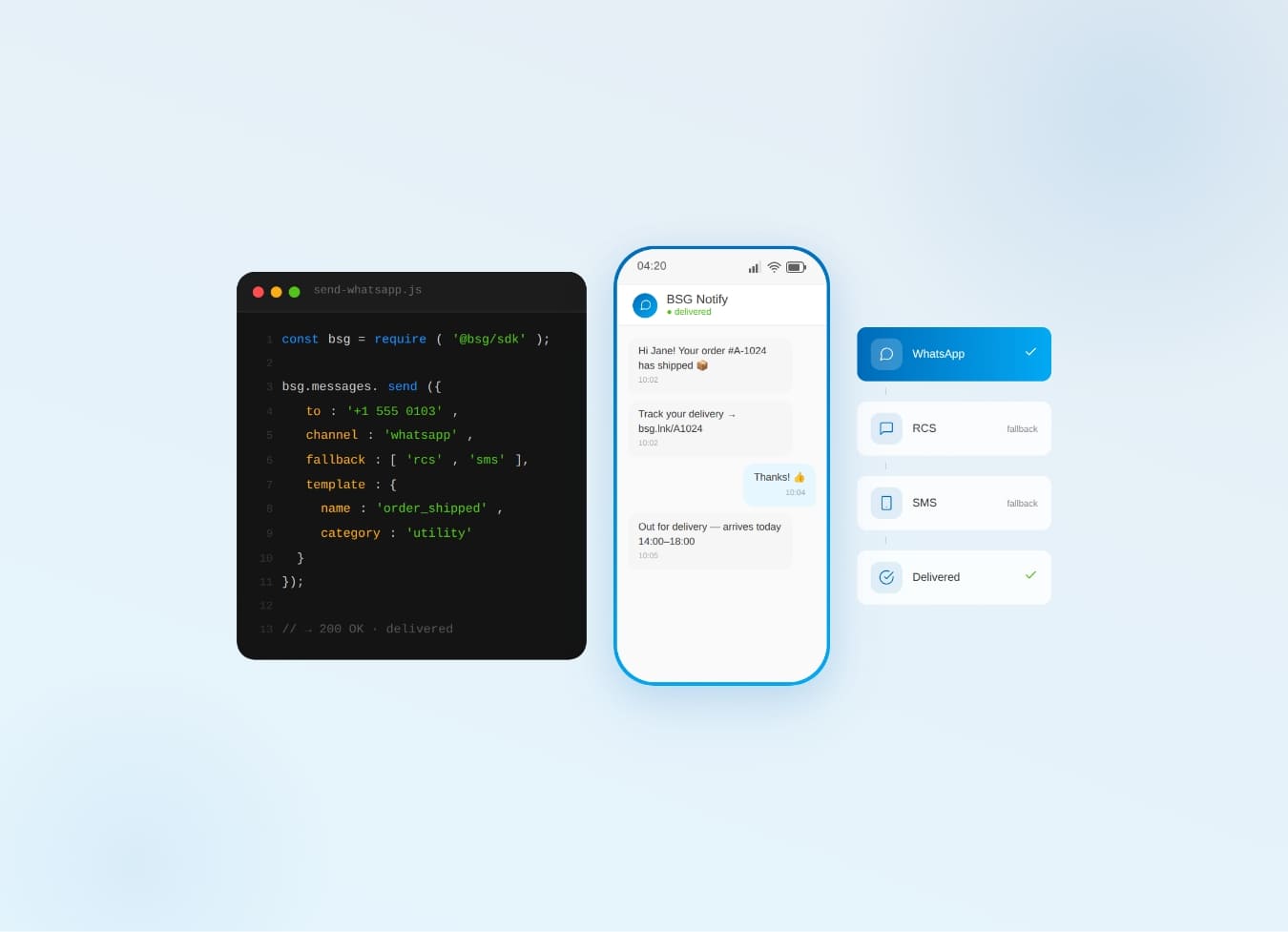
WhatsApp Business API for 2026 — setup steps, the new per-message pricing model, and proven use cases by industry.