


Download Guide
Fill in the form to access your free guide.





Transactional SMS That Builds Trust Instantly
Transactional Bulk SMS is a must-have tool for modern businesses in every industry. Timely information on orders, appointments, and account changes fosters a more seamless and trustworthy interaction between businesses and consumers.
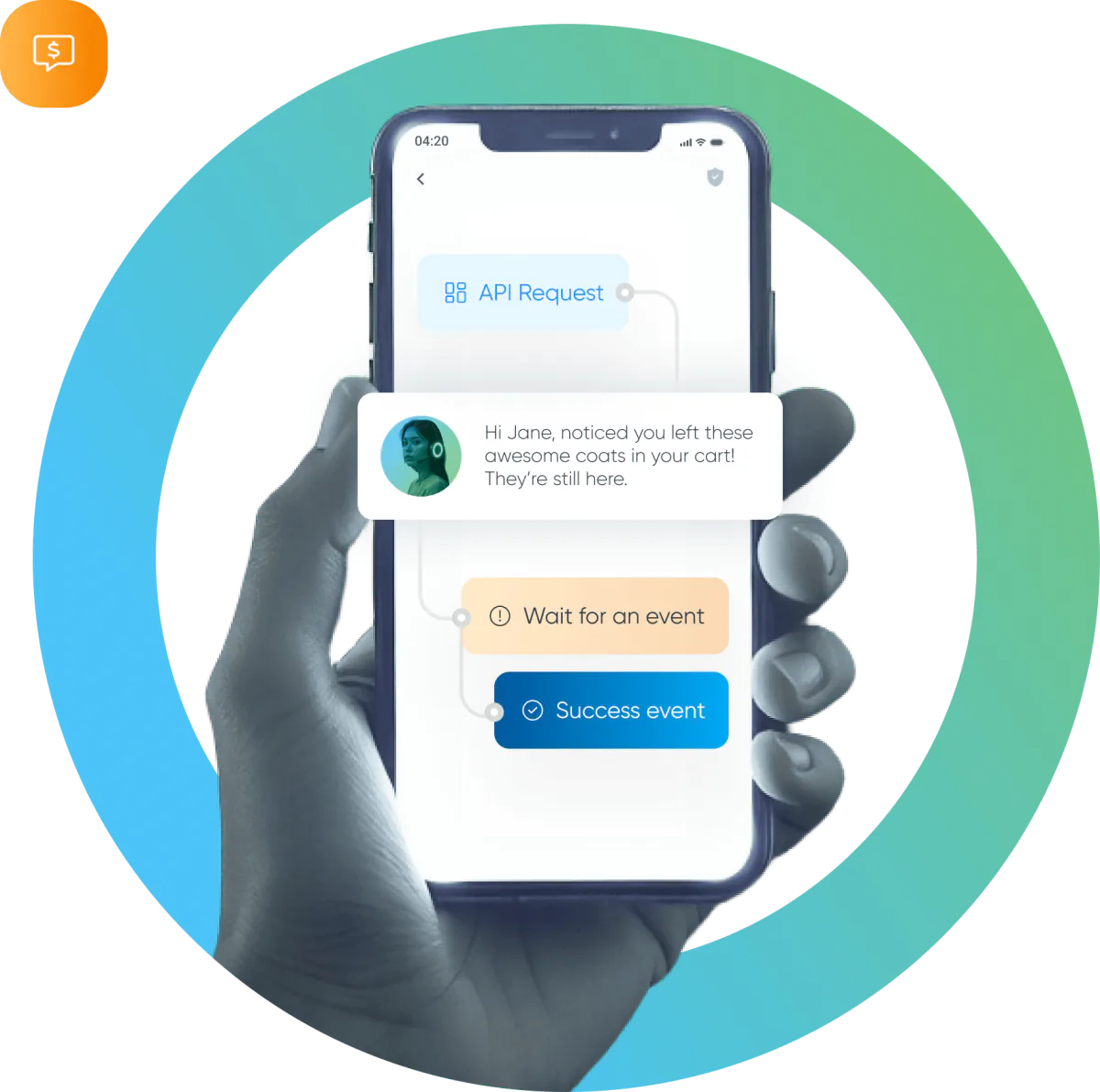
No delays. No doubts. Just secure, real-time communication when it matters most.
With BSG’s transactional SMS tools, you keep users informed, verified, and engaged — exactly when they need it.
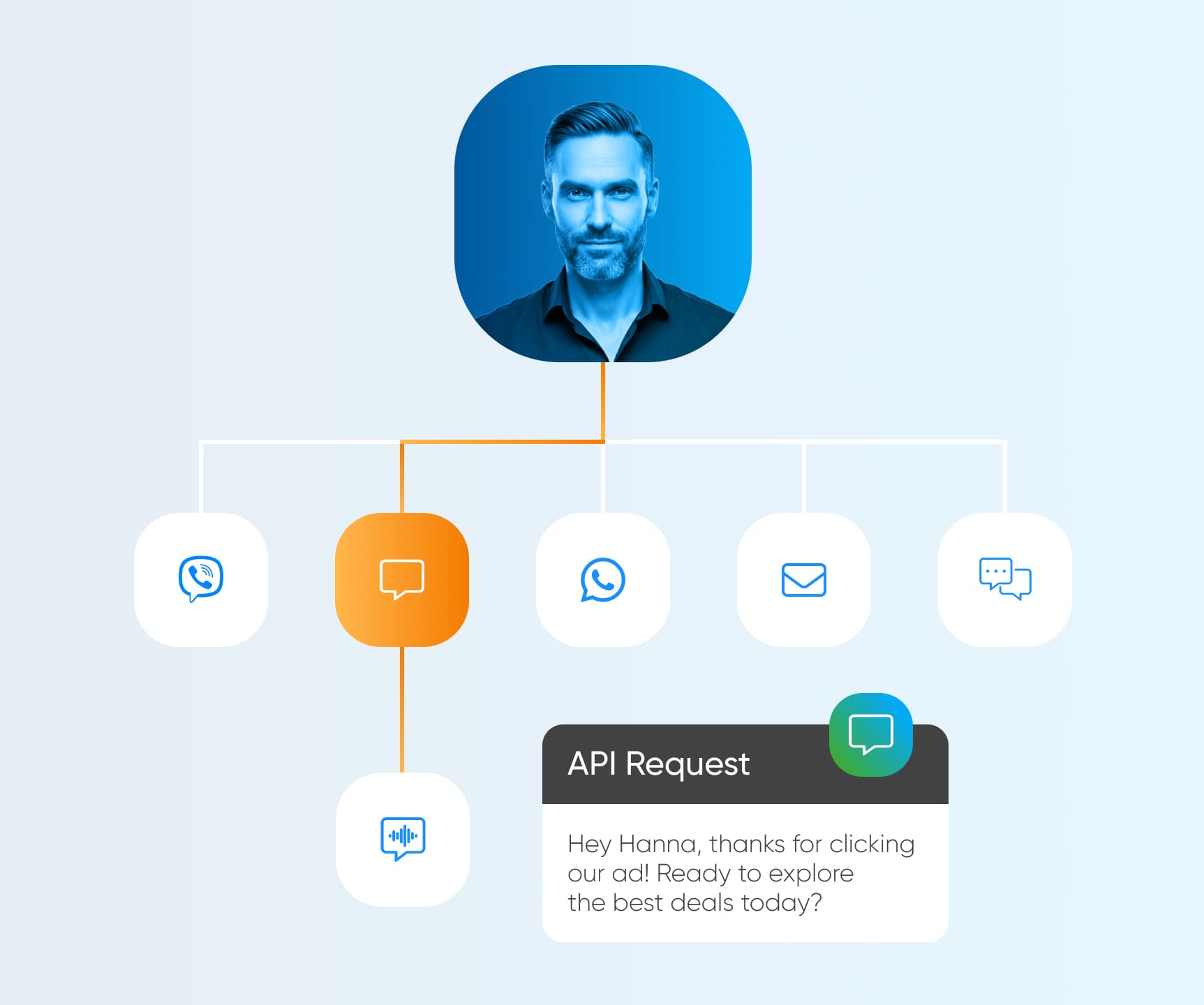
What is Transactional SMS?
Transactional SMS messages provide timely updates on their transactions, account activity, and other essential actions. These automated alerts are triggered by user actions or events, ensuring clients are always in the loop and ensure:
-
Instantaneous communication
-
Reliable delivery rate
-
Enhances user trust
-
Low-cost notifications
-
Increases customer engagement
Transactional SMS Services That Do More
-
BSG helps you send fast, secure, and automated transactional SMS — exactly when your users need them.
-
Use our SMS Gateway for instant order updates, reminders, and alerts. Protect accounts with OTP messages for quick identity verification via SMS. Automate everything with our SMS API, reducing manual work and response time.
-
Power up your campaigns with SMS integrations — like ShortURL and Number Verifier — to boost performance and personalize every touchpoint.
-
Seamless, secure, and scalable — that’s transactional SMS with BSG.
Solutions
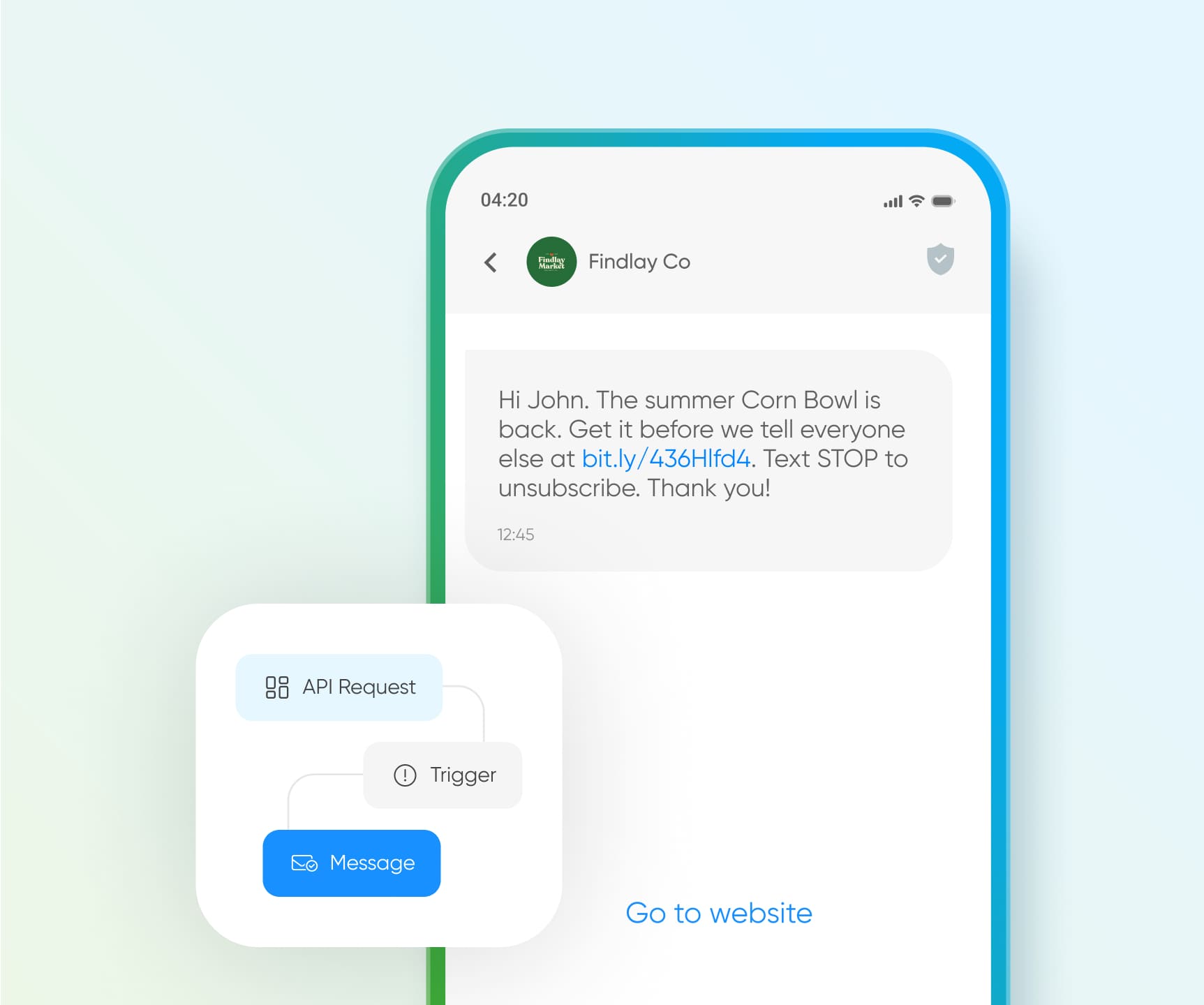
Whether you're confirming a payment, sending real-time delivery updates, or triggering alerts based on user actions — SMS API helps businesses automate communication across industries with precision, speed, and scale.
All Your SMS Insights in One Dashboard
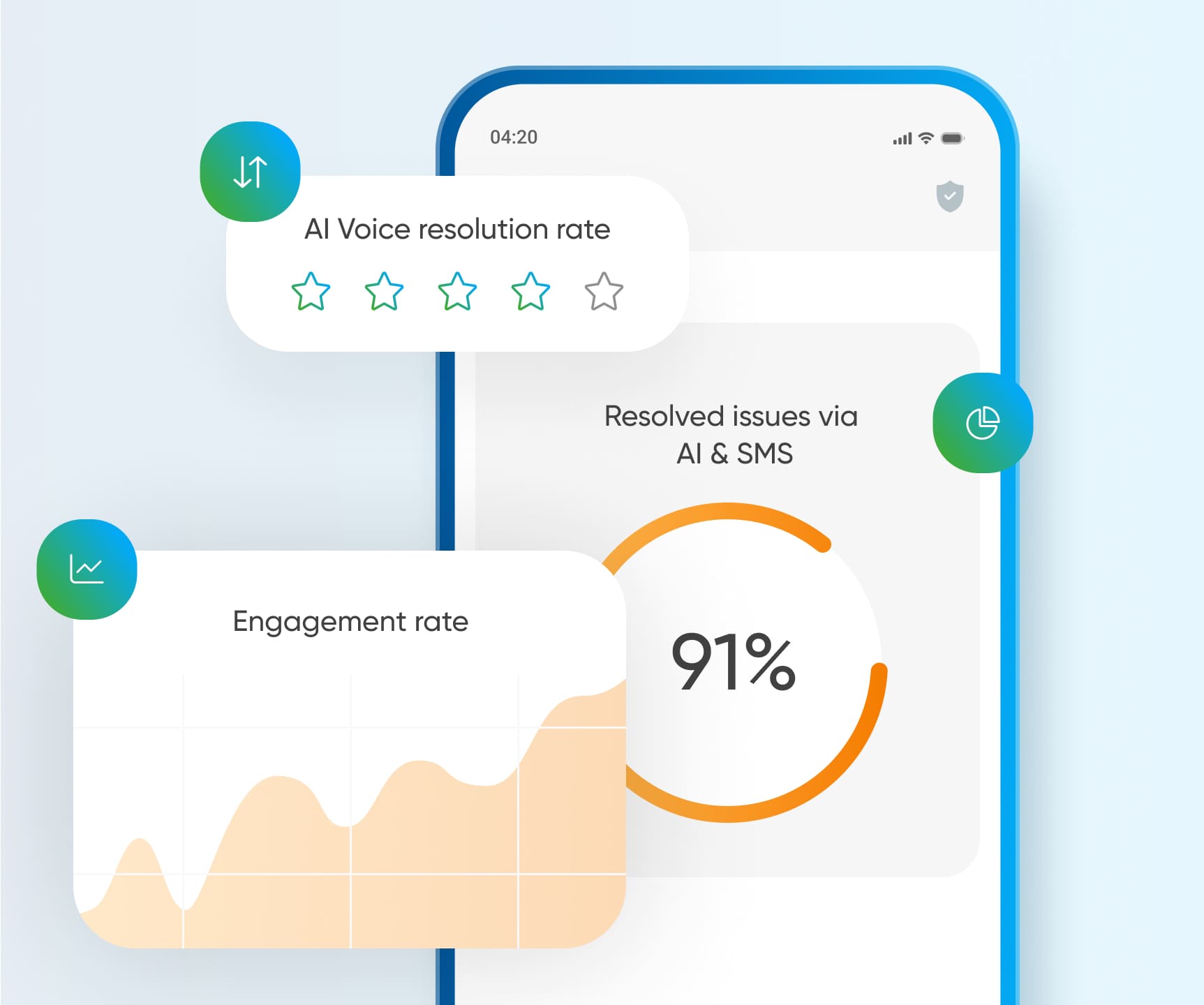
Transactional SMS is more than delivery — it’s about visibility, traceability, and action. With a unified dashboard, you can monitor every message, analyze performance, and improve customer journeys instantly — even when using API integration.
Key Benefits of a Centralized SMS Dashboard
-
Full overview of sent, delivered, and failed transactional messages.
-
Real-time insights into open rates, delivery time, and response triggers.
-
Smart alerts and engagement metrics for proactive issue resolution.
-
Dashboard access works seamlessly even with API-based integration.
Ease of Development

const axios = require('axios');

axios.post(
  'https://sms.bsg.world/rest/send',
  {
    destination: '41793026727',
    originator: 'BSGSMS',
    message: 'This is a sample message',
  },
  {
    headers: {
      Authorization: 'Bearer {your_api_key}',
      'Content-Type': 'application/json',
    },
  }
)
.then(res => console.log('Sent:', res.data))
.catch(err => console.error('Error:', err.response?.data || err.message));
import requests

r = requests.post(
    'https://sms.bsg.world/rest/send',
    json={
        'destination': '41793026727',
        'originator': 'BSGSMS',
        'message': 'This is a sample message'
    },
    headers={
        'Authorization': 'Bearer {your_api_key}',
        'Content-Type': 'application/json'
    }
)

print('Sent:', r.json() if r.ok else r.text)
$ch = curl_init('https://sms.bsg.world/rest/send');

curl_setopt_array($ch, [
    CURLOPT_RETURNTRANSFER => true,
    CURLOPT_POSTFIELDS => json_encode([
        'destination' => '41793026727',
        'originator' => 'BSGSMS',
        'message'    => 'This is a sample message'
    ]),
    CURLOPT_HTTPHEADER => [
        'Authorization: Bearer {your_api_key}',
        'Content-Type: application/json'
    ]
]);

$res = curl_exec($ch);
echo 'Sent: ' . $res;
curl_close($ch);
Integrate your customers’ favorite channels and build the experiences they expect — with full control over logic, flow, and delivery.


SMS Pricing
Calculate your SMS costs instantly — or talk to a manager to get a custom quote. BSG operates globally, so we’ll match the best rates to your regions and traffic volumes.


Interested in a special offer?
Ready to reach further?
Let’s talk


Outbound manager, Growe

CEO, Sunny Way

Head of Marketing Department, Poliklinika Identalia d.o.o

CTO, Medikit Systems

Marketing Automation Lead, RivoTech
Useful Materials
![WhatsApp Business API: Complete Guide — Setup, Pricing, Use Cases [2026]](/assets/img/blog/whatsapp-business-api-setup-pricing-use-cases-guide_avatar.jpg)
WhatsApp Business API for 2026 — setup steps, the new per-message pricing model, and proven use cases by industry.
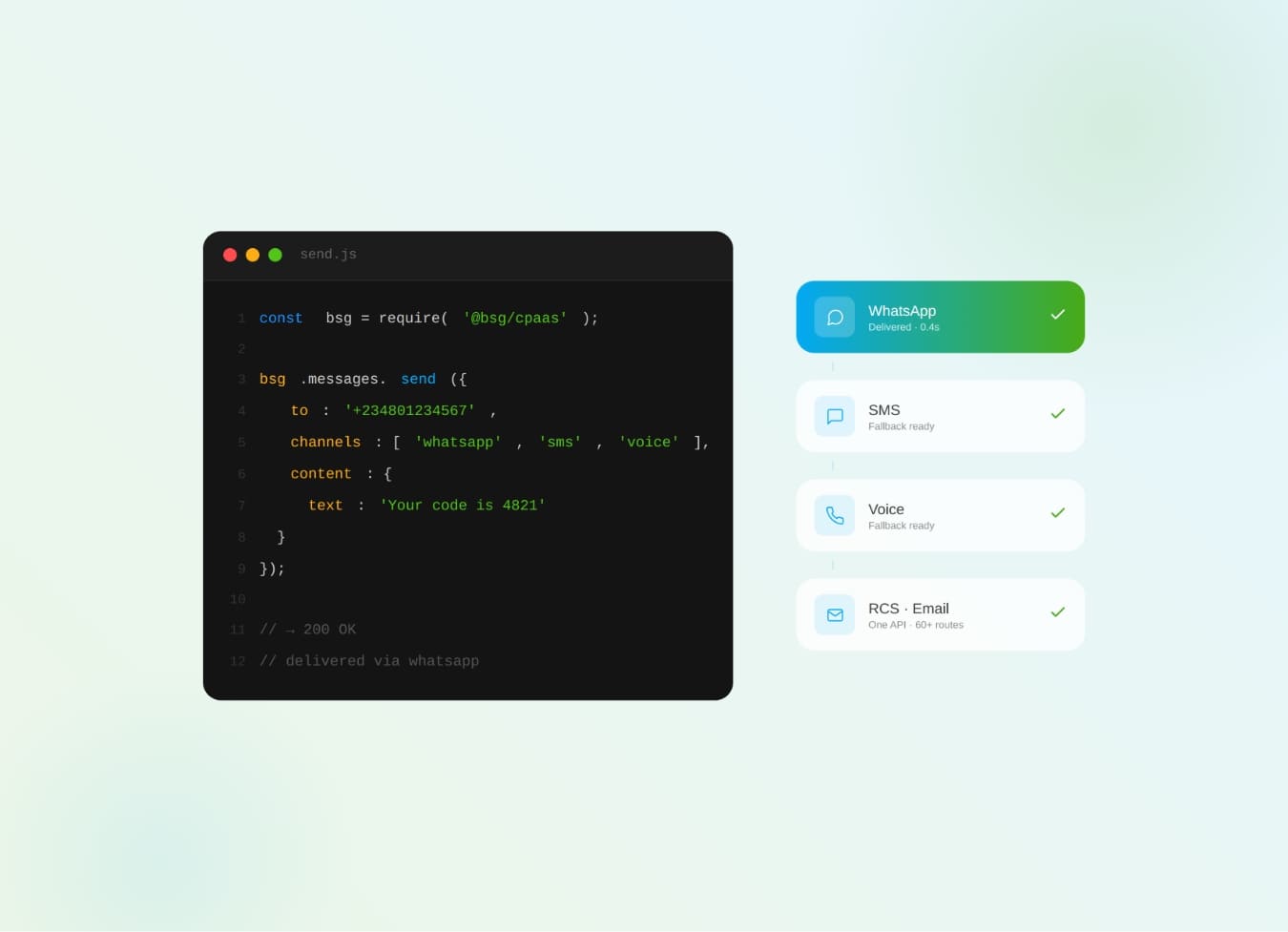
What is CPaaS? The cloud API layer that adds SMS, WhatsApp, voice & OTP to your apps — how it works and why it beats a multi-vendor stack.
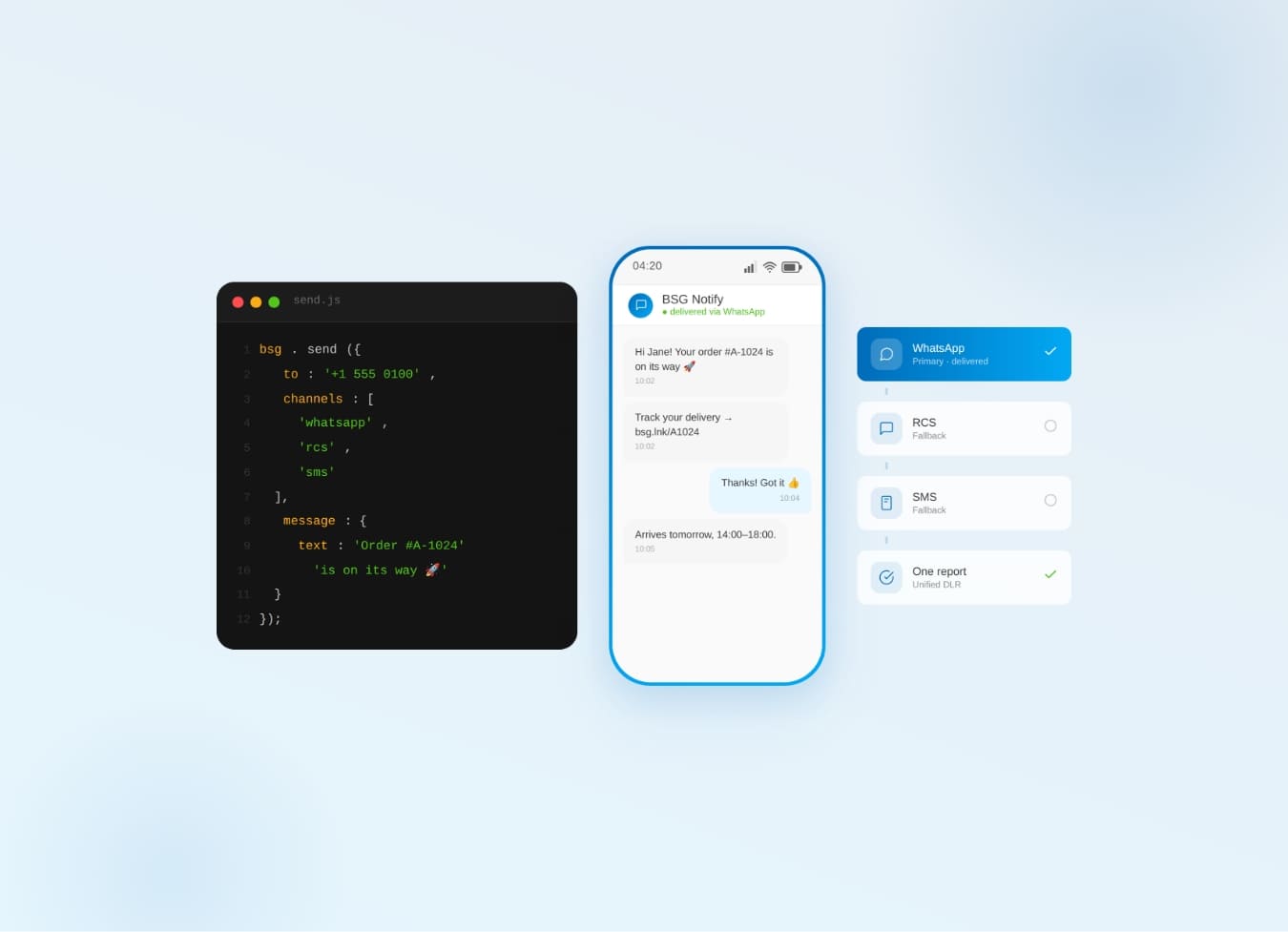
Why one communication API for SMS, WhatsApp, Viber & RCS beats five separate integrations — cascade fallback, unified reports.
FAQ
What is Transactional SMS messages?
Transactional messages are SMS messages that businesses send to their users in order to inform them during the customer journey. Here are some examples of transactional message types:
-
Order Confirmation: A message confirming the successful order placement and containing information about the ordered items or services.
-
Payment Notification: A message informing the user about a completed payment or transaction on their account.
-
Registration Confirmation: A message confirming the registration of a new user on the platform or in the application.
-
Reminder of Important Events: For example, a reminder about an upcoming event, important date, or occasion.
-
Order Status Update: A message informing the user about the current status of their order, such as that the order has been shipped or delivered.
-
Security Alert: For example, a message about suspicious activity on the user’s account or the need to change a password.
What are the differences between promotional and transactional SMS messages?
Unlike promotional messages, transactional SMS messages are always sent automatically in response to an event. In most cases, such messages are personalized because they contain unique data, such as an order number or delivery date.
How is the cost of transactional SMS determined?
The transactional SMS price is generally determined by the number of messages sent, the country of operation, the provider’s rates, and any additional services provided like APIs, customer service, etc.
What should I consider before implementing transactional SMS?
Before implementing service notifications, obtain customer consent through a checkbox or other methods. Inform them about the message types to expect. Failing to secure opt-in or over-messaging may lead to legal issues. Service SMS eases brand interaction but can also affect churn rates. Evaluate current churn metrics—whether due to product, pricing, or competition—before starting SMS campaigns. Use database segmentation to identify loyal subgroups for SMS pilot tests.
Alternate Setup via SMPP Gateway.
Install SMPP Server Configure the necessary network settings Create a peer-to-peer connection with the SMPP Server Input the data needed for your transactional SMS campaign Set trigger events for an SMS Launch your transactional SMS campaign.