




App Notification
What is an app notification?
An app notification is a message or alert that is sent directly to a user’s device to inform them of new information, updates, or actions they can take within an app.
App notifications can be delivered to a user’s device through a variety of methods, such as push notifications, SMS, and email. They can also be configured to appear as banners, pop-ups, or beep sounds to alert the user.
This is explored further in BSG's How Can You Use OTP via SMS to Improve Customer Service & Privacy?.
What is the difference between push notifications and in-app notifications?
Push notifications are messages that are sent directly to a user’s device, even when they are not actively using the app. In-app notifications, on the other hand, are messages that are delivered within the app and can only be viewed when the user is actively using the app.
How do I turn on SMS app notifications?
To turn on SMS app notifications, go to the settings of your app. You can usually find this in the menu or by clicking on the three dots in the top right corner. Once you’re in the settings, look for the notifications or alerts section and turn on the option for SMS app notifications.
How do I change the notification sound for my SMS app?
To change the notification sound for your SMS app, go to the settings of your app and look for the notifications or alerts section. In this section, you should see an option to change the notification sound. You may be able to choose from a list of pre-set sounds or select a sound from your device’s files.
How do I turn off SMS app notifications for specific contacts?
To turn off SMS app notifications for specific contacts, open the conversation thread with that contact in your app. Then, click on the contact’s name at the top of the screen. From there, you should see an option to turn off notifications for that specific contact.
How do I customize SMS app notifications?
To customize SMS app notifications, go to the settings of your app and look for the notifications or alerts section. Here, you should be able to customize options like notification sound, vibration, and banner notifications. Some apps also let you customize the notification preview, so you can choose how much of the message is shown in the notification.
Can I customize my app notifications?
Yes, most apps allow users to customize their notification settings, such as choosing the type of notifications they receive, the frequency of notifications, and the sound or vibration that accompanies the notification.
What happens if I turn off app notifications on my device?
If you turn off app notifications, you will no longer receive any alerts or messages from the app. However, this doesn’t mean that the app will stop working or that you will not receive any notifications at all. Depending on the app, you may still receive notifications via email, SMS or in-app alerts.
How can I manage the number of notifications I receive?
You can manage the number of notifications you receive by adjusting the notification settings within the app or on your device. You can choose to receive notifications only for certain types of updates, or you can choose to receive notifications less frequently. Some apps also have a “Do Not Disturb” feature that allows you to temporarily stop receiving notifications.


Interested in a special offer?
Ready to reach further?
Let’s talk


Related Terms
Explore BSG Solutions
Useful Materials
![WhatsApp Business API: Complete Guide — Setup, Pricing, Use Cases [2026]](/assets/img/blog/whatsapp-business-api-setup-pricing-use-cases-guide_avatar.jpg)
WhatsApp Business API for 2026 — setup steps, the new per-message pricing model, and proven use cases by industry.
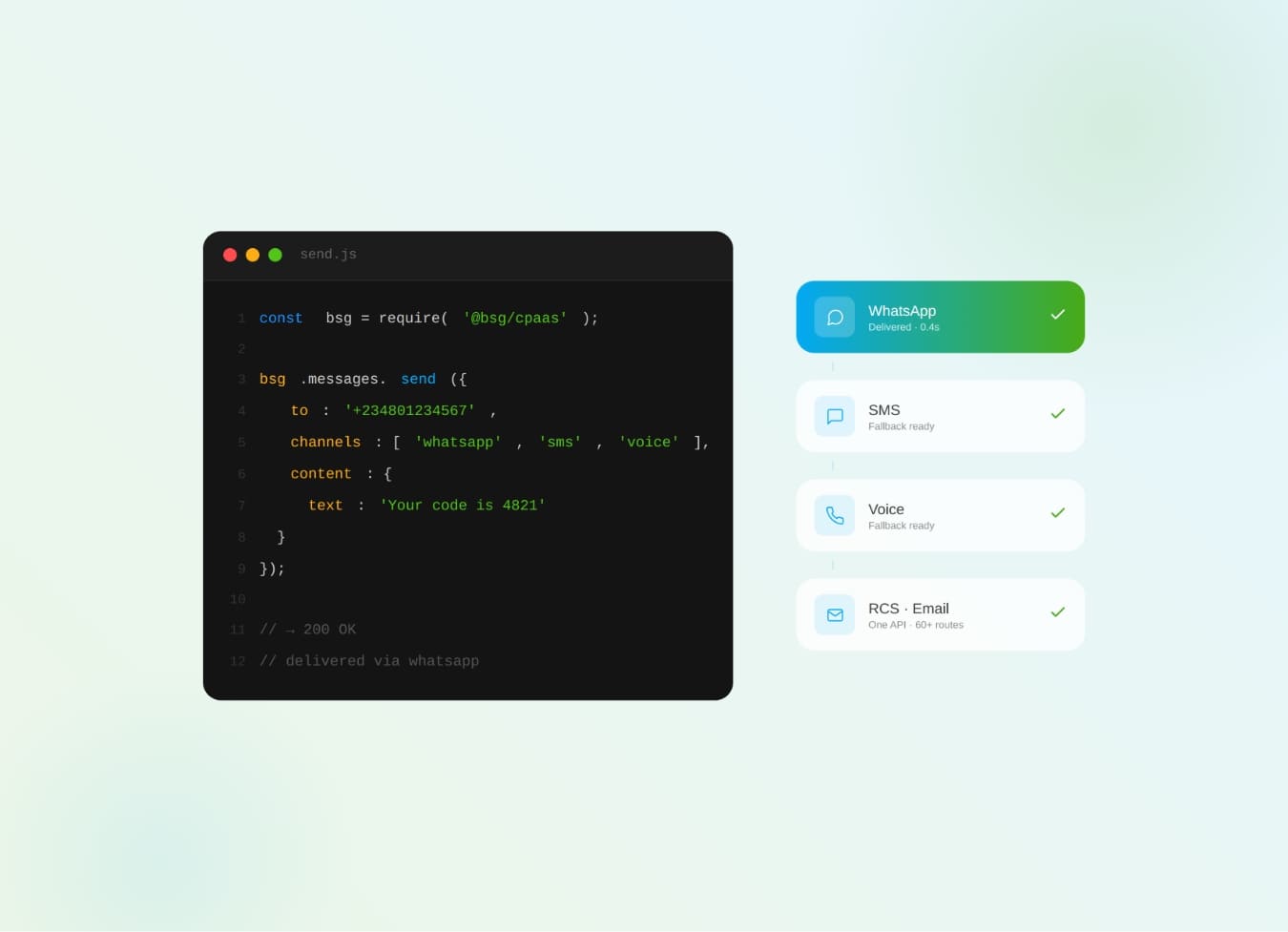
What is CPaaS? The cloud API layer that adds SMS, WhatsApp, voice & OTP to your apps — how it works and why it beats a multi-vendor stack.
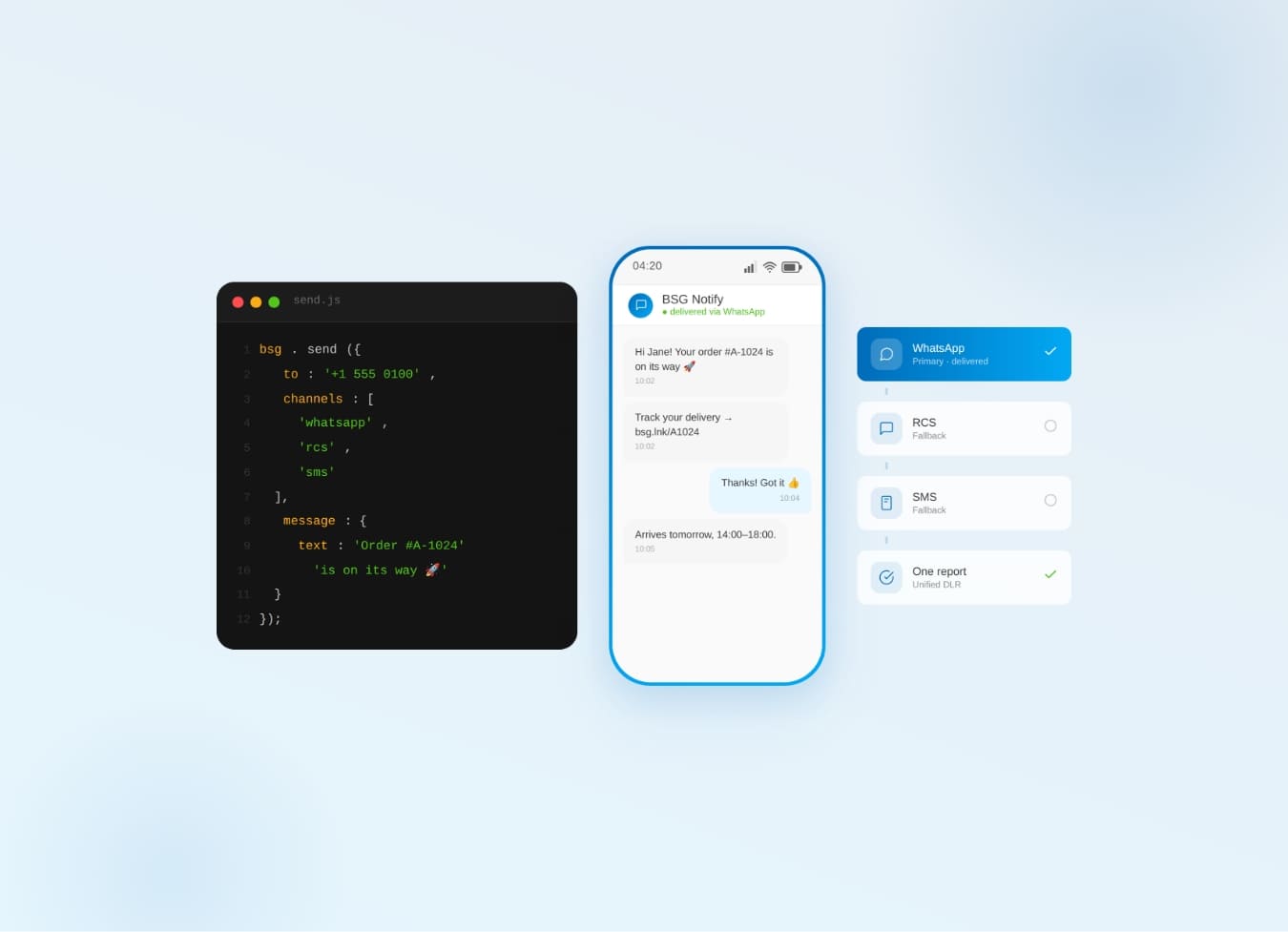
Why one communication API for SMS, WhatsApp, Viber & RCS beats five separate integrations — cascade fallback, unified reports.