BSG utilizes HTTP cookies (and similar or complementary technologies) to 1) make this website safe, functional, and accessible (through the use of mandatory cookies) and 2) understand how you use our website (through the use of optional cookies) in order to improve your experience and to provide you with personalized content.

The information in the cookie text files may be related to your personal preferences or your device and is intended to make the site operate according to your expectations. The information contained in cookies does not usually identify your identity directly but is helpful in providing you with a more personalized user experience.

In accordance with the requirements of the General Data Protection Regulation (GDPR) privacy and security law that governs how the personal data of individuals in the EU may be processed and transferred, we provide you the possibility to prohibit the use of certain types of cookies when you use our website.

Read our Cookie Notice and the Privacy Policy for detailed information on how BGS collects and uses cookies. Please note that prohibiting the use of certain types of cookies may affect your interaction with the website and limit the accessibility of services we offer you. Choose the appropriate category below to learn more and to disable cookies.

Accept All cookies*
*Recommended for comfortable use of the site
Accept only necessary cookies
Accept only selected cookies
Necessary cookies
Social media
Analytics
Marketing

Customer Service Window

What is the customer service window?

The customer service window is the 24-hour period that opens when a WhatsApp user messages or calls a business, during which the business can reply with free-form messages instead of pre-approved templates.

How does the customer service window work?

On the WhatsApp Business Platform, a business cannot start a conversation with free-form text. It has to use an approved message template. The customer service window is the exception: when a user sends a message or calls, a 24-hour timer starts, and each new message from the user refreshes it. While the window is open, the business can send service messages — text, media, buttons, lists — composed on the fly, without Meta’s pre-approval. Once it closes, only templates can be sent again.

For support teams this window is where WhatsApp becomes a real two-way channel. A tutor, agent or chatbot can answer questions in context, share a file or guide the user step by step. The practical rule: design reminder templates so that they invite a reply, and staff or automate responses so they land inside the window.

Example

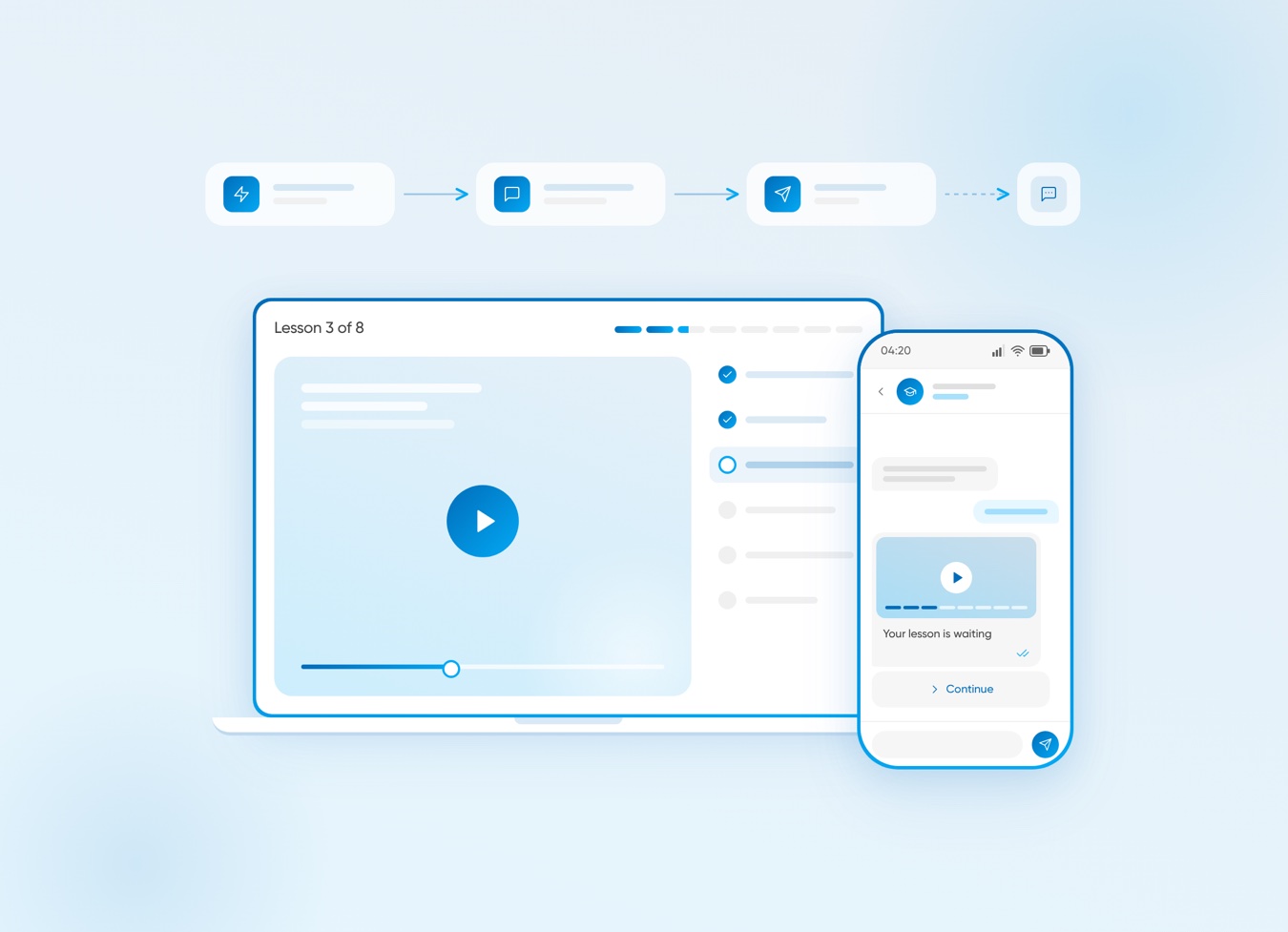
A student replies "I’m stuck on lesson 3" to a course reminder. For the next 24 hours, the school’s tutor can answer freely, send a short video and follow up — all without a new template.

Interested in a special offer?

Ready to reach further?
Let’s talk

I agree to BSG privacy policy
Submit

Useful Materials

Laptop with lesson 3 of 8 of an online course next to a phone showing a lesson reminder with a Continue button
Student Engagement on WhatsApp & SMS: A 5-Node Flow That Cuts Drop-Off

A 5-node WhatsApp and SMS flow with 8 ready texts, GDPR opt-in and metrics to cut course drop-off.
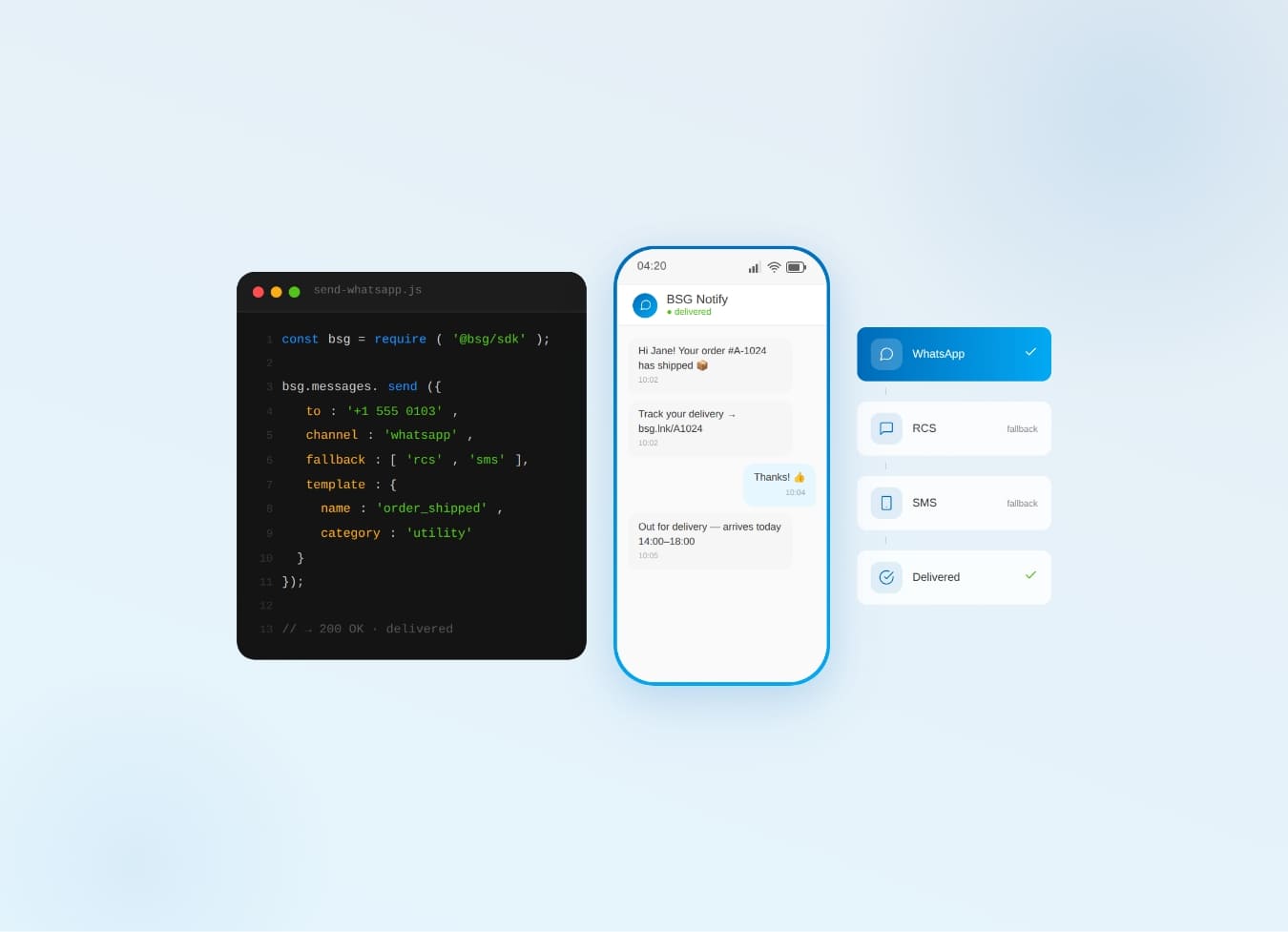
WhatsApp Business API: Complete Guide — Setup, Pricing, Use Cases [2026]

WhatsApp Business API for 2026 — setup steps, the new per-message pricing model, and proven use cases by industry.
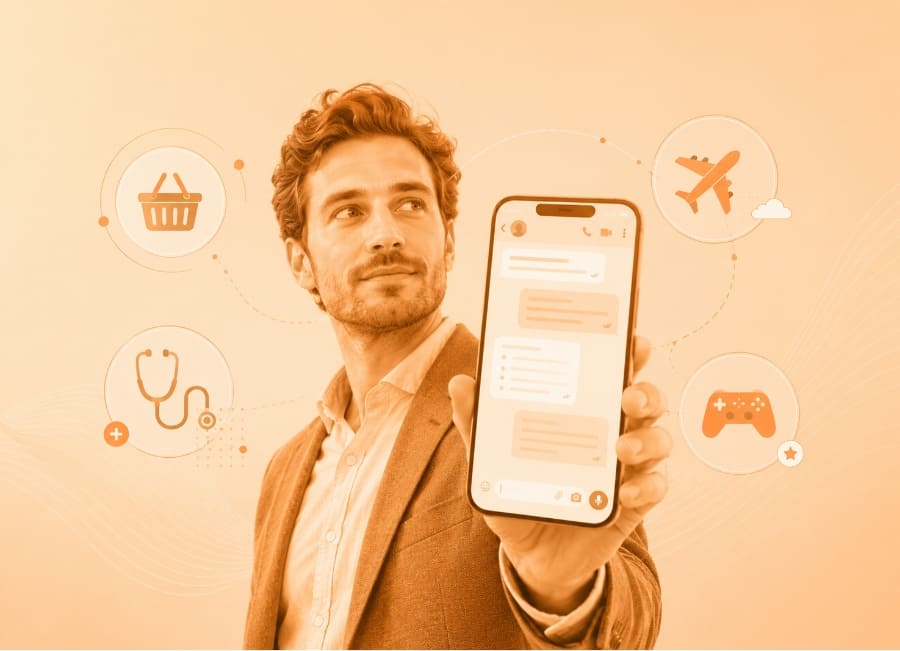
WhatsApp for Business: 10 Proven Use Cases Across Industries

10 real-world WhatsApp Business API use cases — cart recovery, KYC, delivery tracking, claims, onboarding, and more.