




SMPP INTRODUCTION
SMPP is often used to allow service providers to submit bulk SMS messages.
The SMPP server
HOST: smpp.bsg.world
PORT: 2730
Bindings and Throughput
Whenever an SMPP account has been set up, you’ll receive the maximum amount of binds you’re allowed to set up. As well as a maximum throughput. In most cases, this value means 3 binds and 50 messages per second on each.
The BSG SMPP server supports only one connection via transceiver (TRX) or up to 9 connections via a transmitter (TX) with one connected receiver (RX) if it’s needed.
Username and Password
You can receive your personal username (system_id) and password (SMPP-password) by the BSG account manager or generate SMPP-password in account settings by yourself.
Security
For SMPP connection BSG requires to whitelist your originating IP. In order to access, please send your username and originating IP to your account manager or Customer Support team at [email protected]
Supported PDUs
The BSG server supports the following list of PDU types:
- PDU name – command_id
- bind_receiver – 0x00000001
- bind_receiver_resp – 0x80000001
- bind_transmitter – 0x00000002
- bind_transmitter_resp – 0x80000002
- bind_transceiver – 0x00000009
- deliver_sm – 0x00000005
- bind_transceiver_resp – 0x80000009
- deliver_sm_resp – 0x80000005
- enquire_link – 0x00000015
- enquire_link_resp – 0x80000015
- submit_sm – 0x00000004
- submit_sm_resp – 0x80000004
- unbind – 0x00000006
- unbind_resp – 0x80000006
Bind PDU
An SMPP bind_receiver, bind_transceiver or bind_transmitter PDU request has a fixed set of fields. Most fields are irrelevant to us. In fact, we only read the system_id, password, system_type and interface_version fields. The rest is ignored.
- Field name – Description
- system_id – The username
- password – SMPP-password
- system_type – IGNORED if you want to use default tariff or set tariff-x, where x is the code of tariff name
- interface_version – The SMPP protocol version you want to talk
- addr_ton – IGNORED
- addr_npi – IGNORED
- address_range – IGNORED
Interface_Version
The BSG SMPP server supports SMPP protocol version 3.4 and 5.0 NOTE for SMPP 5.0. Whether the command SUBMIT_SM_RESP contains a status with an error code the length of PDU is 16 octets.
Data_Coding
The values for the data_coding field are not solidly declared in the SMPP spec, so each SMPP server is more or less required to give its own definition.
Value – Encoding
0 – Default Alphabet (GSM 3.38), 7-bit characters
1 – IA5/ASCII, 7-bit characters
3 – ISO-8859-1 (LATIN1), 8-bit characters
5 – Japanese (JIS), multi-byte characters
6 – Cyrillic (ISO-8859-5), 8-bit characters
7 – Latin/Hebrew (ISO-8859-8), 8-bit characters
8 – Unicode (USC-2), 16-bit characters
14 – Korean (KS C 5601), multi-byte characters
For 7-bit character sets, a maximum of 160 characters can fit into one SMS message; for 8-bit character sets, the limit is 140 characters; for 16-bit character sets, the limit is 70 characters; for multi-byte character sets, the limit is between 70 and 140 characters, depending on which characters the text of the message was made up. (For multi-byte character sets, most characters are 16 bits; some of the more common characters are eight bits.)


Interested in a special offer?
Ready to reach further?
Let’s talk


Useful Materials
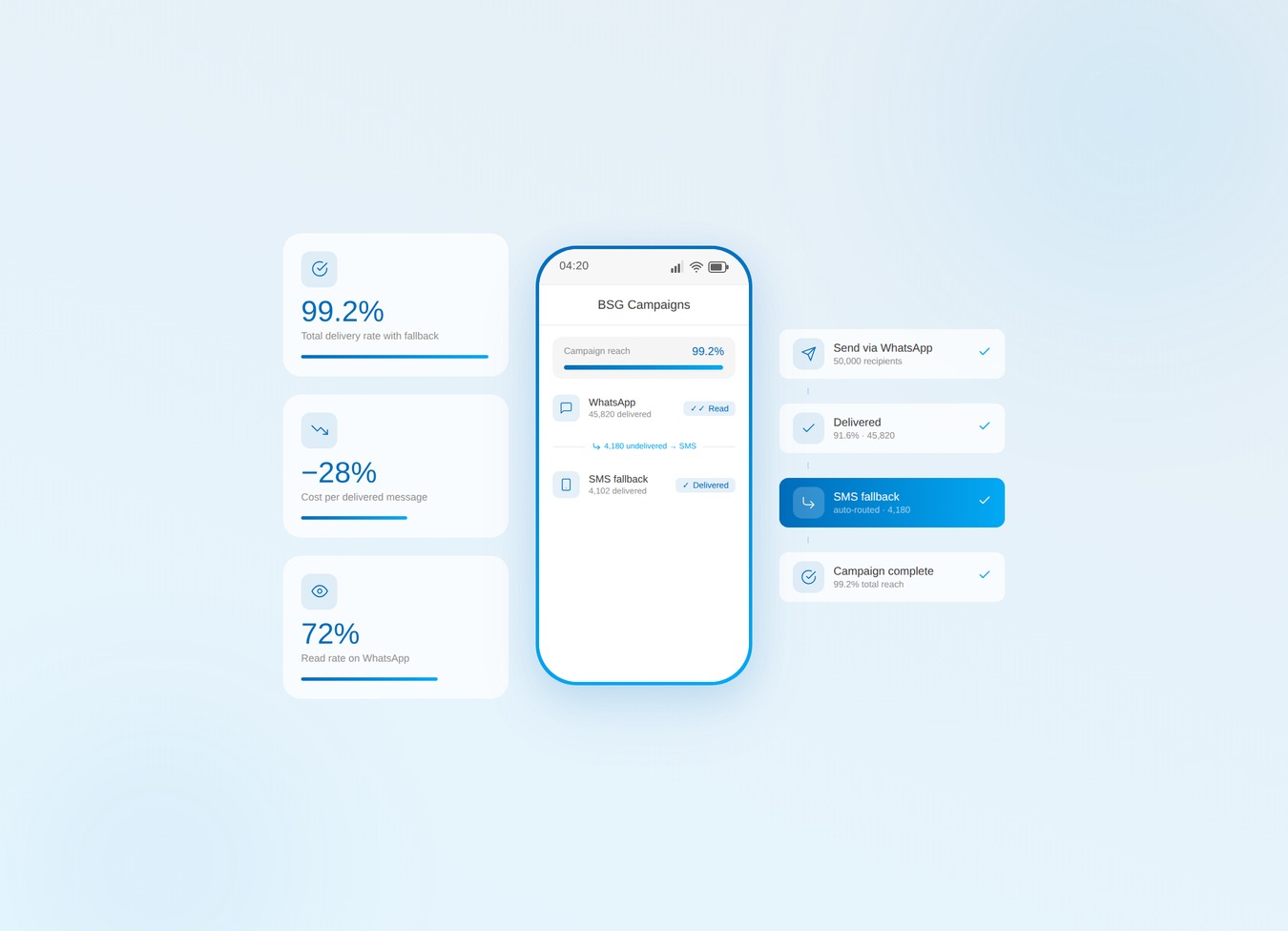
Bulk SMS alone leaks budget. Verify the list, then run WhatsApp-first with SMS fallback.
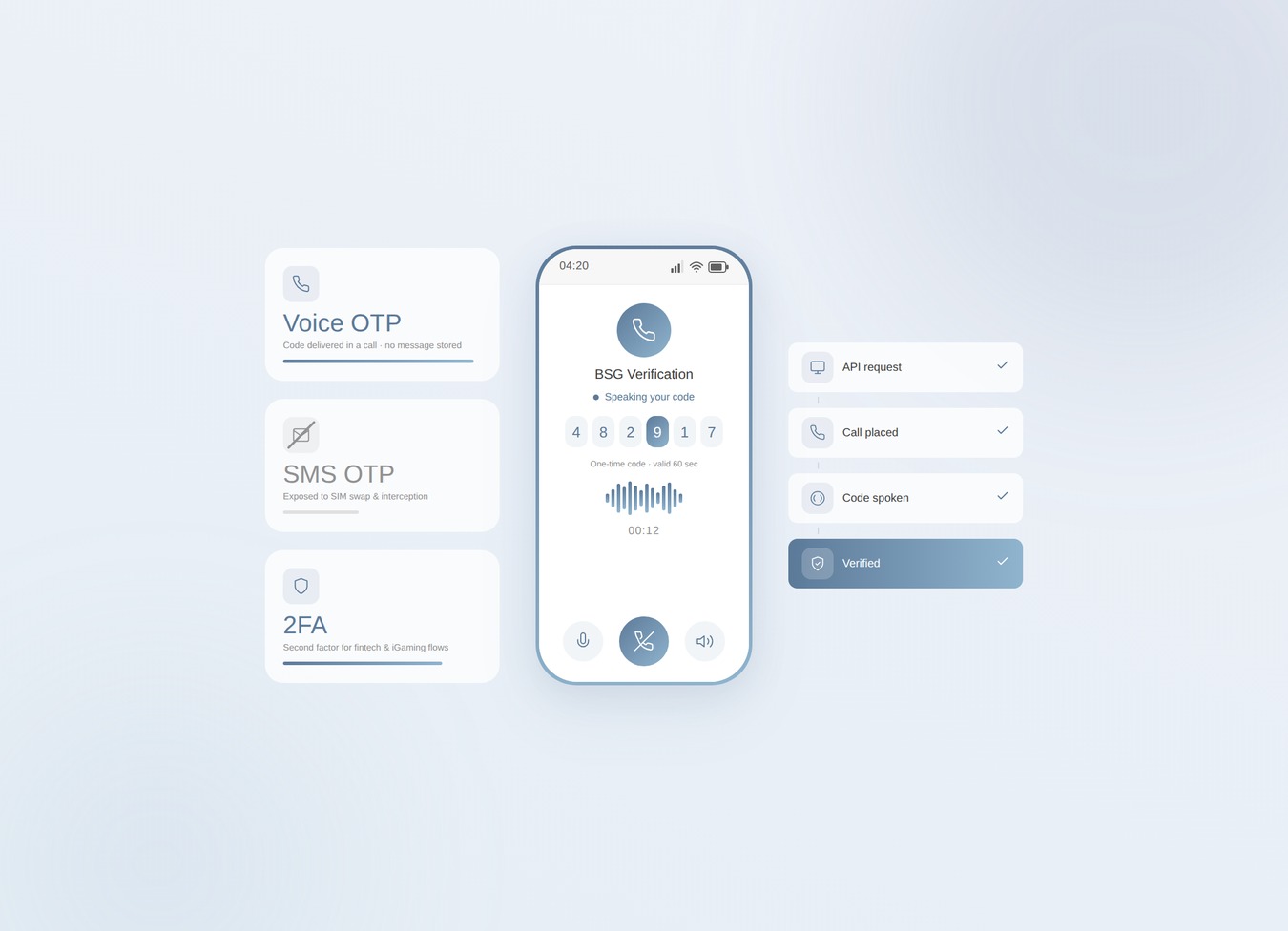
SIM swaps jumped 1,055% in a year. Voice OTP takes your riskiest codes off the SMS rail.
Telegram OTP is free — until it silently fails. Know the limits and when to add fallback.