




General rules for the RCS API
API work is performed using JSON objects and http requests, as well as the REST architecture.
Authentication
The client authorization process is carried out according to https://bsg.world/developers/rest-api/authentication for API version 2.0.
Base URL
The API is available at: https://one-api.bsg.world
General rules for sending messages
- Successful sending of an RCS message is possible only under certain conditions:
- RCS agent is registered for the client and is in active status;
-
Recipient’s phone number:
- supports the ability to receive RCS notifications;
- is not in the RCS stop list (if the stop list check was enabled in the request to send the message).
- In API requests to send RCS messages, the list of recipients’ phone numbers must be unique (no duplicates).
- The maximum allowed number of contacts in one campaign is 5000.
- If the created campaign contains messages to subscribers from countries that do not match the RCS agent, such messages will not be sent. You will be able to view the campaign statistics and details of its messages after sending.
Sending RCS messages in the TEST Mode Account
- In the test mode of the account, the client can send RCS messages on behalf of the test BSG agent (permission to use it must be agreed with the manager in advance).
- Withdrawals for sending RCS messages on behalf of the test agent are made from the client’s credit/own funds on the balance sheet.
- Sending an RCS message in test mode is allowed only to a verified contact (the recipient’s phone number that has been confirmed by the client via a code).
Billing of RCS messages
- The RCS message is charged at the expense of the client’s principal balance and credit limit.
- Billing is performed only for RCS messages with the status Delivered.
- The cost of an RCS message in the customer’s tariff depends on the direction of delivery;
- RCS message type (text, single card/carousel).
- If you use an alternative SMS channel, the message is charged at the price of an SMS message according to the connected tariff on your account.
- If the client’s balance runs out of funds while sending messages, the created campaign is paused (the campaign is assigned the “Paused” status). After replenishing the balance, to continue sending messages, you need to resume the campaign yourself.
Webhook
By configuring the URL for the webhook in your bsg.world account on the Integration and API page, in the Callback URL For RCS field, you can receive reports with the status of RCS messages sent.
The message status report includes the following information:
| Parameter | Type | Description |
|---|---|---|
| id | integer | message id. |
| msisdn | string | The phone number to which the message was sent. |
| reference | string | External message identifier (reference) specified by the user. |
| status | string | The status of the message. For more details, see paragraph. RCS message statuses. |
| time_in | string | Date and time of message creation in the format: yyyy-mm-dd hh:mm:ss. |
| time_sent | string | Date and time of sending the message in the format: yyyy-mm-dd hh:mm:ss |
| time_dr | string | Date and time of receipt of the delivery report in the format: yyyy-mm-dd hh:mm:ss |
| price | string | The cost of the message should be displayed with 7 decimal places |
| currency | string | The currency of the client’s account in which the cost is indicated. |
An example of a notification of the status of an RCS message:
{
   "error":0,
   "errorDescription":"No errors",
   "id":"3266500452",
   "msisdn":"380997087351",
   "reference":"hello",
   "time_in":"2024-08-22 11:47:42",
   "time_sent":"2024-08-22 11:47:42",
   "time_dr":"2024-08-22 11:47:53",
   "status":"delivered",
   "price":"1.1000000",
   "currency":"EUR"
}
RCS Message Statuses
| № | Status | Description. |
|---|---|---|
| 1 | SCHEDULED | The message is scheduled. |
| 2 | MODERATION | The message is being moderated. |
| 3 | SENT | The RCS message is sent to the recipient. |
| 4 | DELIVERED | RCS message is delivered to the recipient. |
| 5 | SENDING | Messages are in the queue for sending. |
| 6 | ACCEPTED | Message accepted for sending. |
| 7 | EXPIRED | The RCS message has expired. |
| 8 | UNDELIVERED | The message was not delivered. |
| 9 | READ | The RCS message has been read by the recipient. |
| 10 | UNKNOWN | There is no delivery status. |
| 11 | FAILED | An error that occurred during the sending process. |


Interested in a special offer?
Ready to reach further?
Let’s talk


Useful Materials
![WhatsApp Business API: Complete Guide — Setup, Pricing, Use Cases [2026]](/assets/img/blog/whatsapp-business-api-setup-pricing-use-cases-guide_avatar.jpg)
WhatsApp Business API for 2026 — setup steps, the new per-message pricing model, and proven use cases by industry.
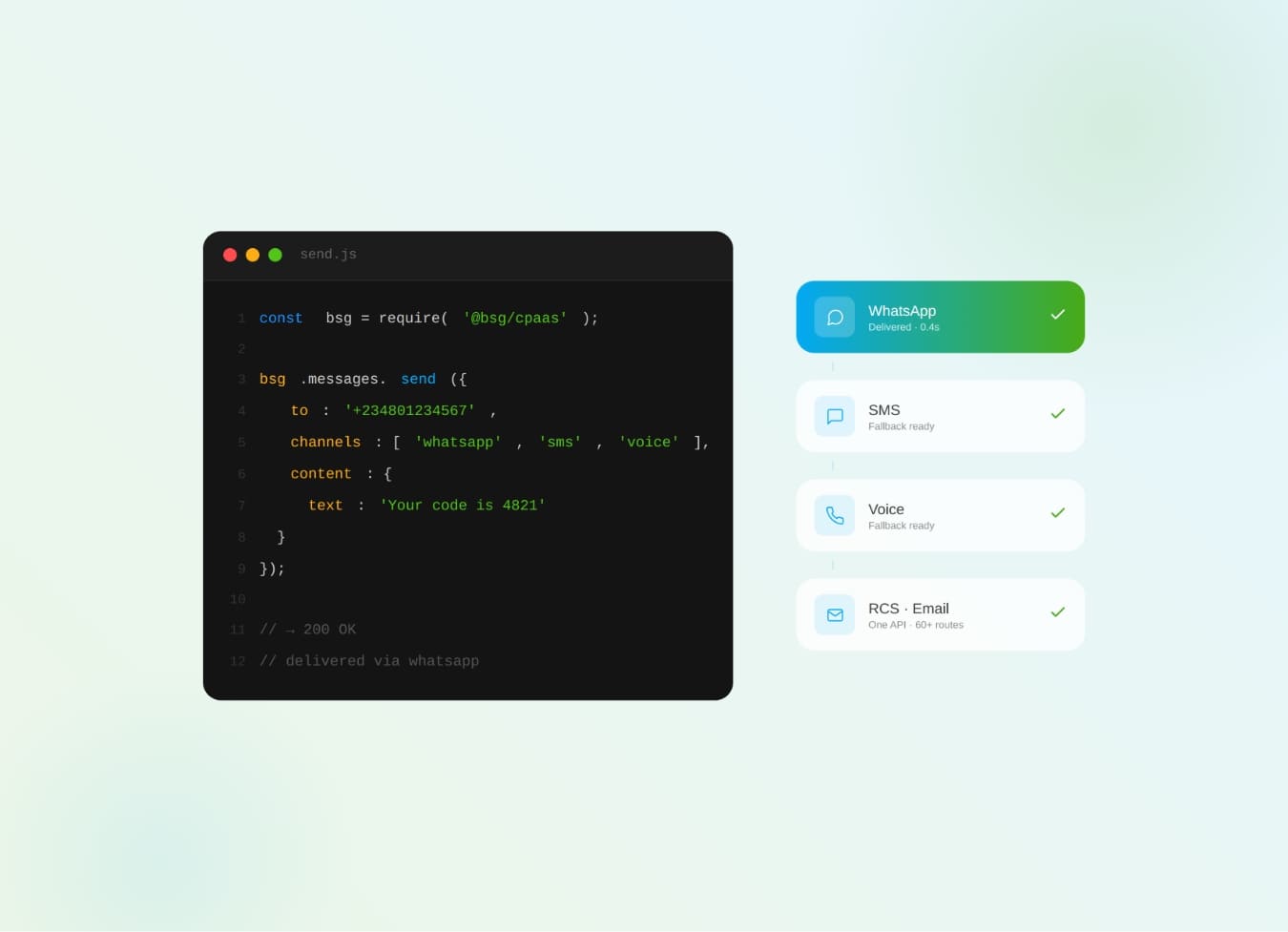
What is CPaaS? The cloud API layer that adds SMS, WhatsApp, voice & OTP to your apps — how it works and why it beats a multi-vendor stack.
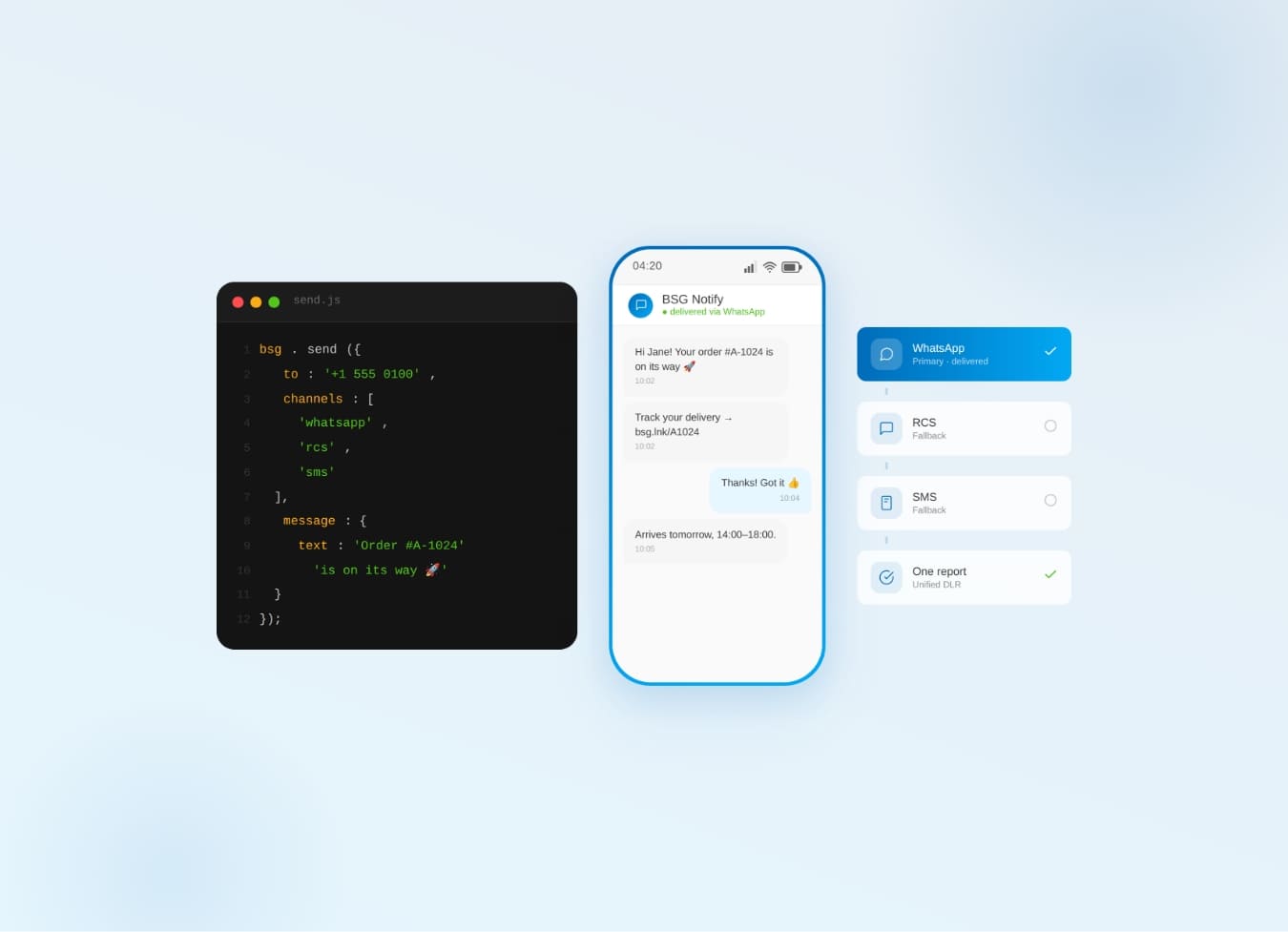
Why one communication API for SMS, WhatsApp, Viber & RCS beats five separate integrations — cascade fallback, unified reports.