




Necessary cookies
Social media
Analytics
Marketing
Developer Docs
OVERVIEW
RCS
SMS / 2Way SMS API
Number Intelligence
Balance
Contacts
Senders
Lists
Stoplists
Statistics
Edit contact field
Method for editing custom contact field:
- change field name
- change field description.
To edit contact field
| PATCH https://one-api.bsg.world/api/contacts/fields/{id} |
Request parameters
It is necessary to pass at least one of the following parameters: name/ description/ is_visiable.
| Parameter | Required | Type | Default | Description |
|---|---|---|---|---|
| id | Yes | integer | No | ID of the custom contact field to edit |
| name | No | string | No | Custom contact field name |
| description | No | string | No | Custom contact field description |
| is_visible | No | boolean | No | Display the field in the personal account in the Contact Book: value true or false |
Request sample:
{
  "name": "string"
}
Response parameters:
| Parameter | Type | Description |
|---|---|---|
| id | int | Custom contact field ID |
| type | string |
Field type. Possible values:
|
| name | string | Custom contact field name |
| description | null|string | Custom contact field description |
| is_visible | boolean | Display the field in the personal account in the Contact Book: value true or false |
if the request is successful, you will receive a response:
{
  "data": {
    "id": 26130,
    "name": "Страна",
    "type": "number",
    "description": "The country name",
    "is_visible": true
  }
}


Interested in a special offer?
Ready to reach further?
Let’s talk


Submit
Useful Materials
![WhatsApp Business API: Complete Guide — Setup, Pricing, Use Cases [2026]](/assets/img/blog/whatsapp-business-api-setup-pricing-use-cases-guide_avatar.jpg)
WhatsApp Business API: Complete Guide — Setup, Pricing, Use Cases [2026]
WhatsApp Business API for 2026 — setup steps, the new per-message pricing model, and proven use cases by industry.
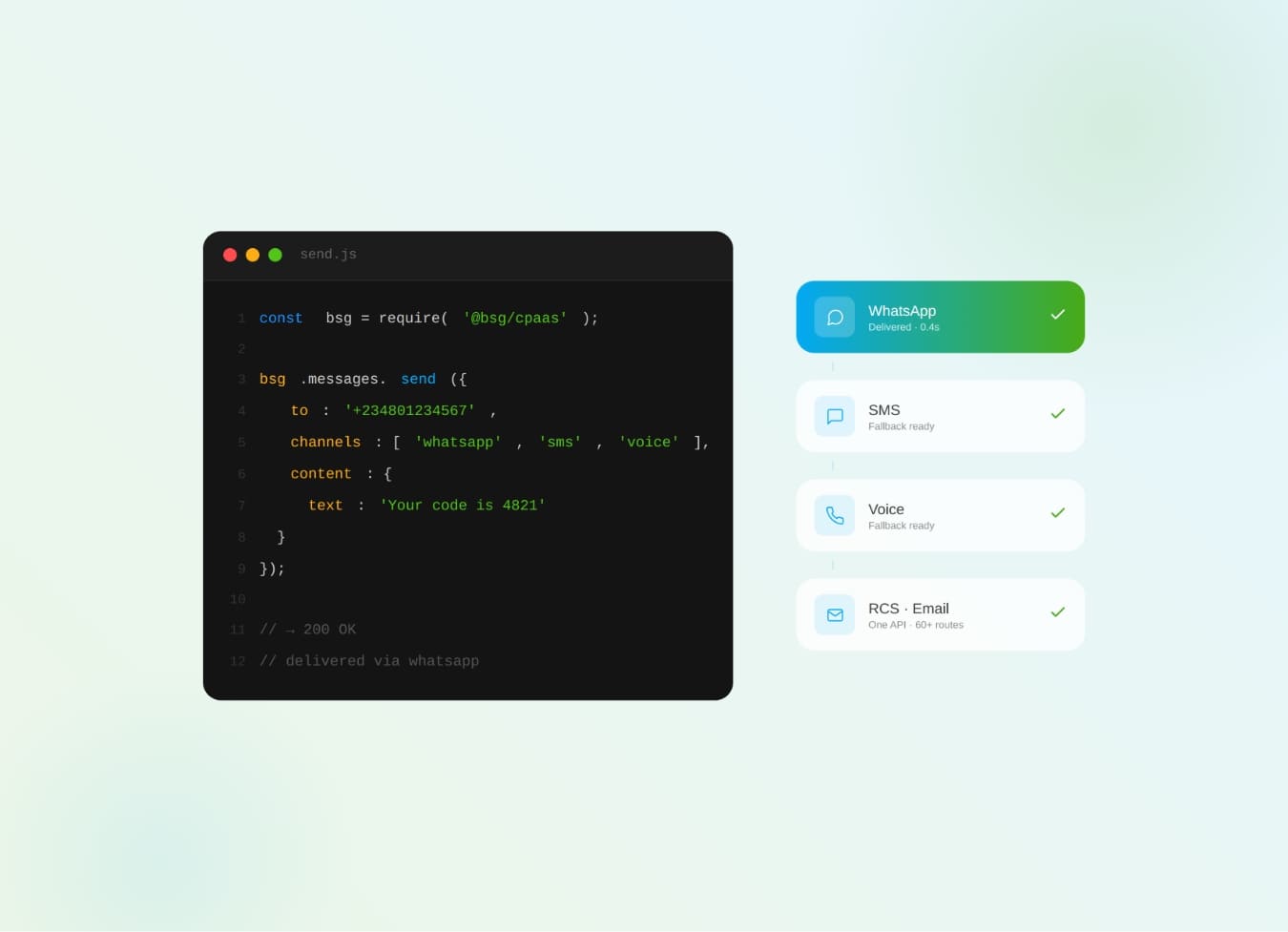
What Is CPaaS? The Complete Business Guide to Communications Platform as a Service
What is CPaaS? The cloud API layer that adds SMS, WhatsApp, voice & OTP to your apps — how it works and why it beats a multi-vendor stack.
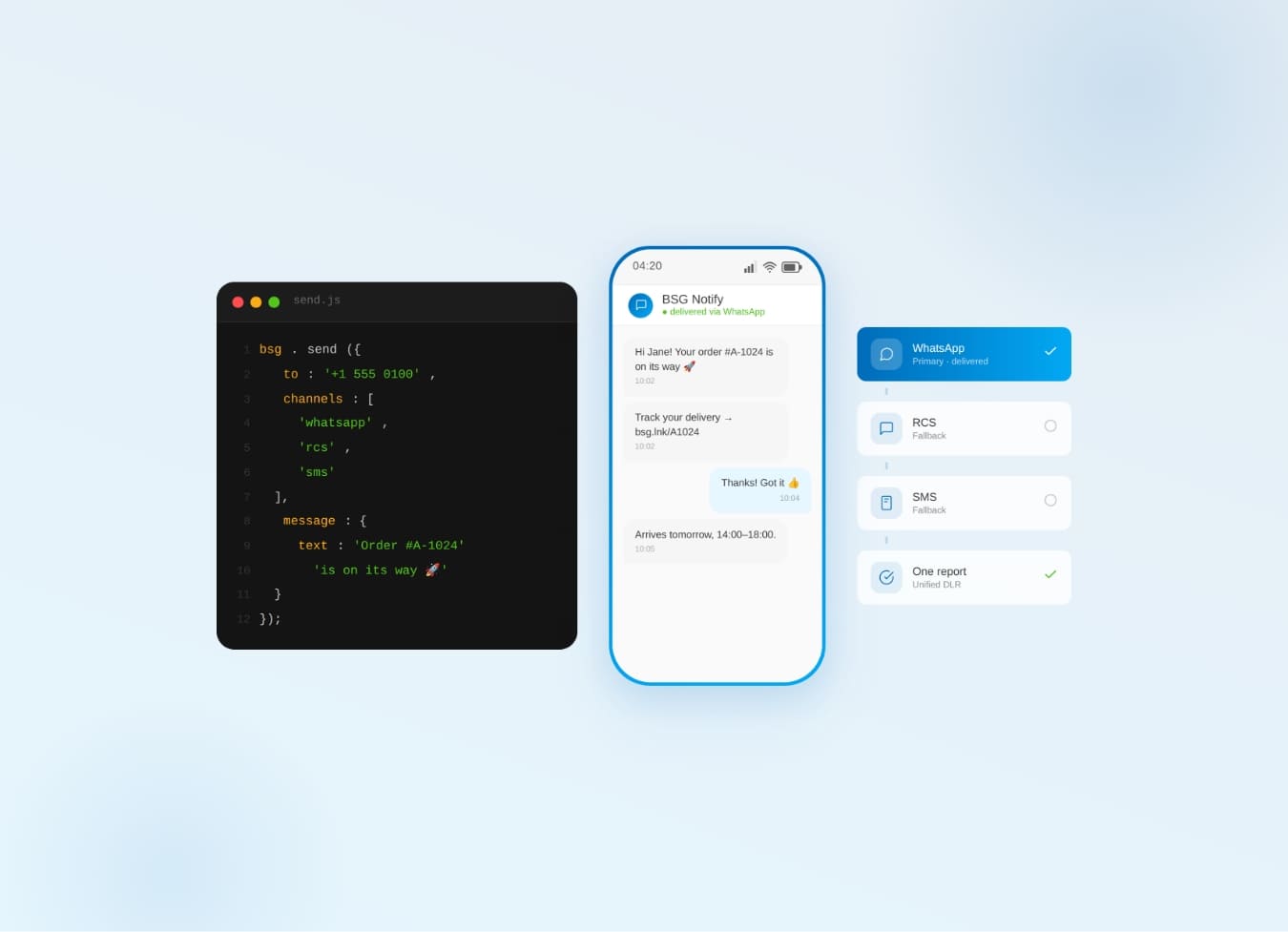
One Communication API for SMS, WhatsApp, Viber & RCS — Why It Beats Five
Why one communication API for SMS, WhatsApp, Viber & RCS beats five separate integrations — cascade fallback, unified reports.