




Necessary cookies
Social media
Analytics
Marketing
Developer Docs
OVERVIEW
RCS
SMS / 2Way SMS API
Number Intelligence
Balance
Contacts
Senders
Lists
Stoplists
Statistics
Create contact field
The method allows the creation of additional custom fields for contacts.
To create a contact field, make a request to this URL:
| POST https://one-api.bsg.world/api/contacts/fields |
Request parameters
| Parameter | Required | Type | Description |
|---|---|---|---|
| name | yes | string | The name of the custom field for the contacts. |
| type | yes | string |
Field type. Possible values:
– string ― field with the “Text” type; – integer ― field with the “Number” type; – datetime ― field with the “Date and time” type. |
| description | no | string | Description of the custom contact field. |
| is_visible | no | bool | Whether the field is displayed: true or false value. |
Response parameters
| Parameter | Type | Description |
|---|---|---|
| id | integer | Custom field ID for the contacts. Generated by the BSG system automatically when a field is created. |
| type | string | Contact field type. |
| name | string | Name of the custom contact field. |
| description | string | Description of the custom contact field. |
| is_visible | bool | Whether the field is displayed: true or false value. |
If request is successful, you will receive a response:
{
  "data": {
    "id": 26130,
    "name": "Country",
    "description": "The country name",
    "is_visible": true,
    "type": "text"
  }
}


Interested in a special offer?
Ready to reach further?
Let’s talk


Submit
Useful Materials
![WhatsApp Business API: Complete Guide — Setup, Pricing, Use Cases [2026]](/assets/img/blog/whatsapp-business-api-setup-pricing-use-cases-guide_avatar.jpg)
WhatsApp Business API: Complete Guide — Setup, Pricing, Use Cases [2026]
WhatsApp Business API for 2026 — setup steps, the new per-message pricing model, and proven use cases by industry.
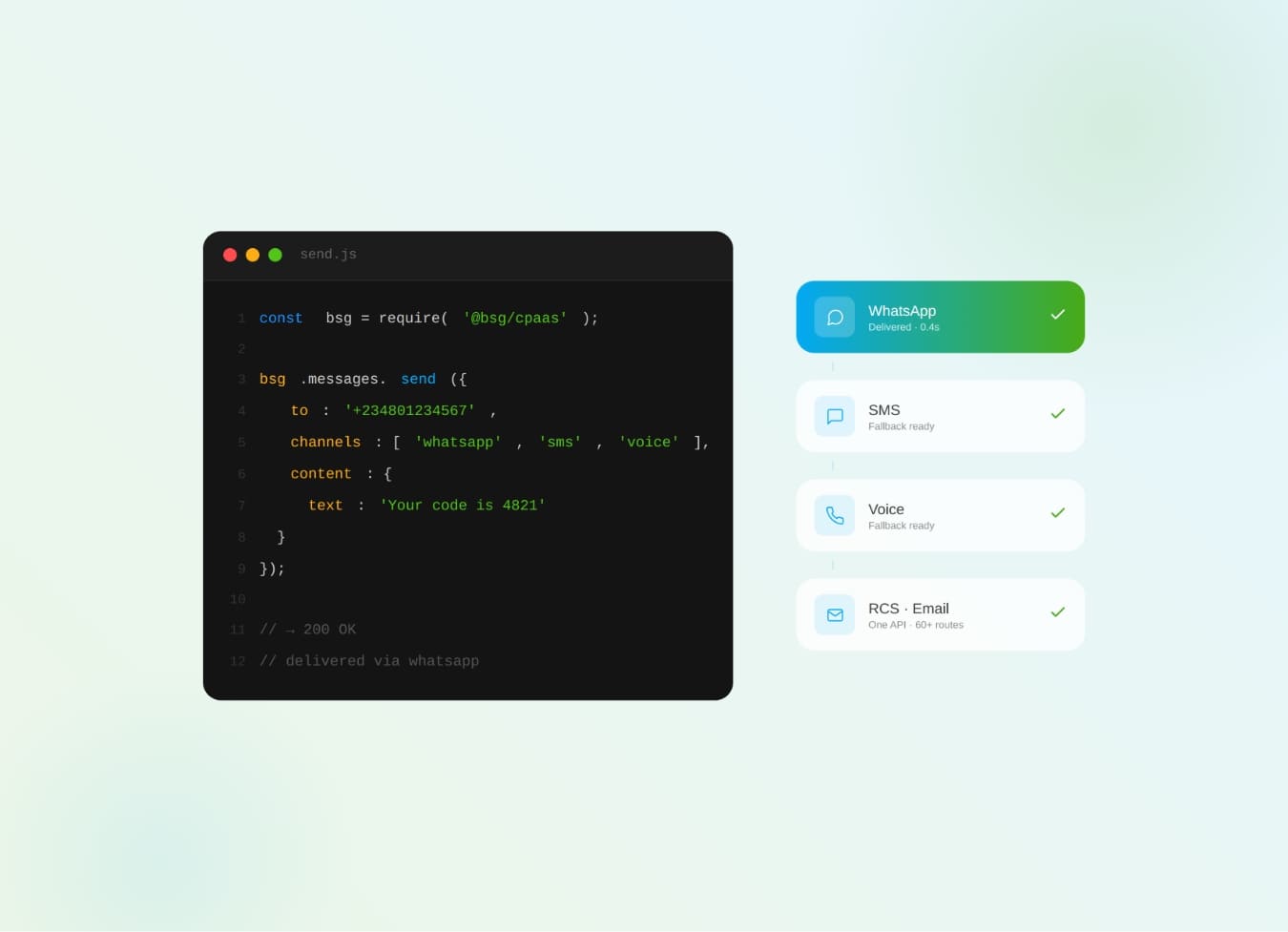
What Is CPaaS? The Complete Business Guide to Communications Platform as a Service
What is CPaaS? The cloud API layer that adds SMS, WhatsApp, voice & OTP to your apps — how it works and why it beats a multi-vendor stack.
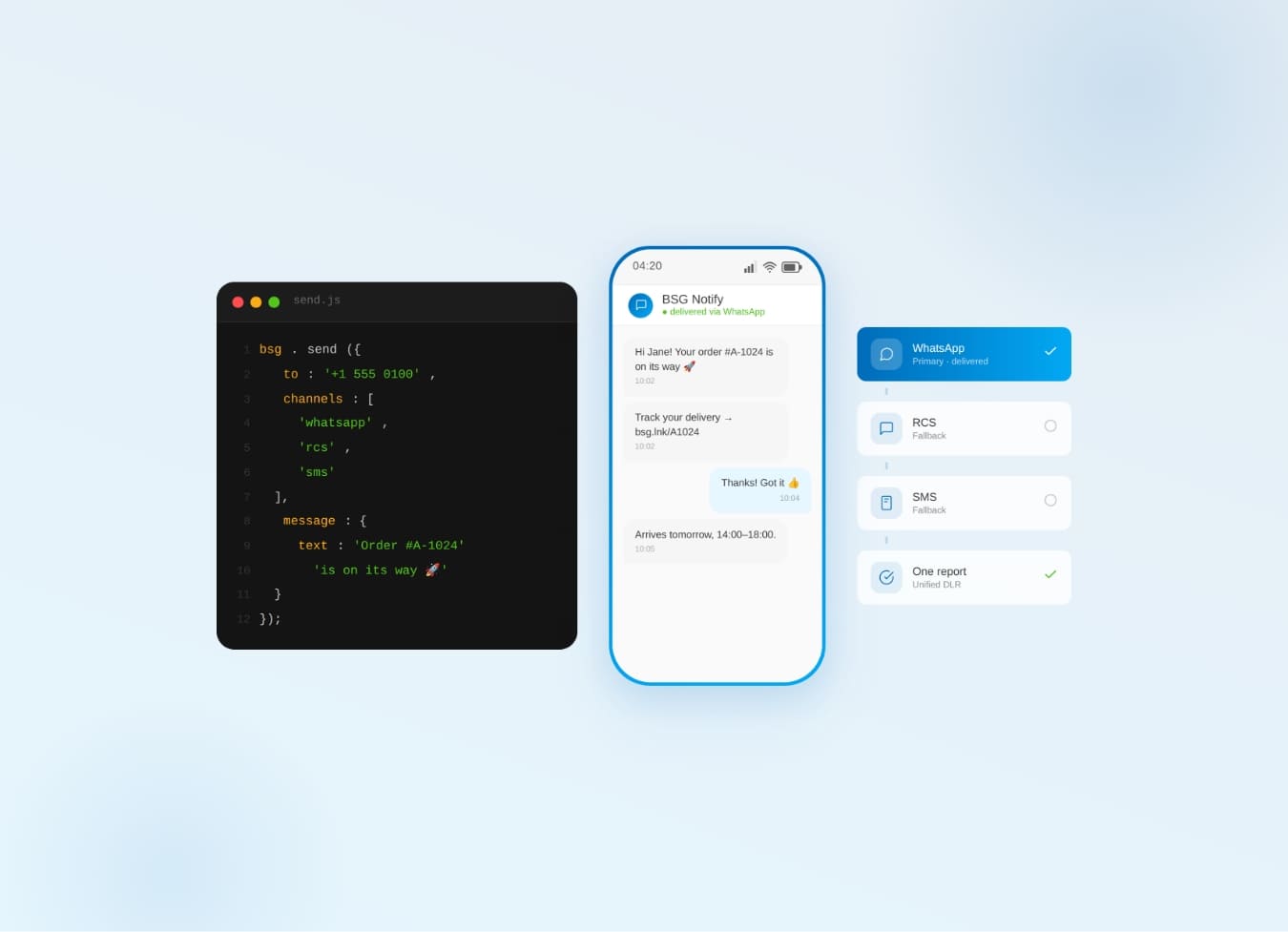
One Communication API for SMS, WhatsApp, Viber & RCS — Why It Beats Five
Why one communication API for SMS, WhatsApp, Viber & RCS beats five separate integrations — cascade fallback, unified reports.