




Necessary cookies
Social media
Analytics
Marketing
Developer Docs
OVERVIEW
RCS
SMS / 2Way SMS API
Number Intelligence
Balance
Contacts
Senders
Lists
Stoplists
Statistics
Create a personalized SMS campaign
The method allows sending personalized SMS рассылку to a phone numbers list. The personalized campaign contains different message text for all recipient numbers.
It is possible to specify no more than 10 000 contacts for one campaign.
Limitation:
- In the DEMO account mode, creating a campaign via API is not available.
- In the TEST platform mode, creating a campaign is possible only for the numbers that are added to the Contact Book.
Request URL
| POST https://one-api.bsg.world/api/campaigns/sms/send-individual |
Request parameters:
| Parameter | Required | Type | Default | Description | |
|---|---|---|---|---|---|
| messages | Yes | array | No | Array of message objects (Up to 10 000 numbers per campaign at a time): | |
| phone | Yes | integer | No |
The phone number to which the SMS is sent.
From 9 to 15 digits (phone number is specified without +) | |
| sender | Yes | string | No |
SMS Sender name:
| |
| text | Yes | string | No |
Message text.
Maximum 335 characters Cyrillic, 765 characters Latin. | |
| reference_id | No | string | No |
SMS external ID.
String up to 32 characters containing /a-zA-Z0-9/ | |
| validity | No | integer | 72 |
SMS validity period.
SMS validity period in hours Integer from 1 to 72. By default 72 hours. | |
| tariff_code | No | integer | 0 | Number of tariff at which the campaign messages will be billed. You can only specify the tariff connected to your account. The parameter format is an integer from 0 to 9. The default is 0. | |
| start_code | No | string | No | Date and time of message sending in ISO 8601 format: yyyy-mm-dd hh:mm:ss. Used only to schedule campaigns for a specific time. Maximum date for scheduling is 30 days. If not specified by the user, the value is set to now (campaign without delay). |
Request sample:
{
  "messages": [
    {
      "phone": 12345678900,
      "text": "Hello! How are you?",
      "sender": "testsms",
      "reference_id": "Test98765"
    }
  ],
  "tariff_code": 0,
  "validity": 72,
  "start_at": "2025-01-25 09:00:00"
}
Response parameters:
| Parameter | Type | Description | |
|---|---|---|---|
| id | integer | Created campaign ID | |
| name | string | Campaign name: auto-generated for the created campaign | |
| sender | string | Sender name | |
| status | string |
Campaign status. Possible values:
| |
| mesage_type | string | Campaign type: sms | |
| start_at | string | Date and time of the campaign start (scheduled). Format ISO 8601: yyyy-mm-dd hh:mm:ss | |
| real_start_at | string | Actual date and time the campaign started. Format ISO 8601: yyyy-mm-dd hh:mm:ss | |
| finished_at | string | Date and time the campaign is completed. Format ISO 8601: yyyy-mm-dd hh:mm:ss | |
| created_at | string | Date and time the campaign is created. Format ISO 8601: yyyy-mm-dd hh:mm:ss | |
| statistics | array | Campaign statistics: | |
| delivered | integer | Total number of messages delivered within the campaign | |
| sent | integer | Total number of messages sent within the campaign |
Response sample:
If the request is successful, you will receive a response:
{
  "data": {
    "id": 1,
    "name": "string",
    "sender": "string",
    "status": "creation",
    "message_type": "sms",
    "start_at": "2021-04-27 19:44:06",
    "real_start_at": "2021-04-27 19:44:06",
    "finished_at": "2021-04-27 19:44:06",
    "created_at": "2021-04-27 19:44:06",
    "statistics": {
      "delivered": 0,
      "sent": 0
    }
  }
}


Interested in a special offer?
Ready to reach further?
Let’s talk


Submit
Useful Materials
![WhatsApp Business API: Complete Guide — Setup, Pricing, Use Cases [2026]](/assets/img/blog/whatsapp-business-api-setup-pricing-use-cases-guide_avatar.jpg)
WhatsApp Business API: Complete Guide — Setup, Pricing, Use Cases [2026]
WhatsApp Business API for 2026 — setup steps, the new per-message pricing model, and proven use cases by industry.
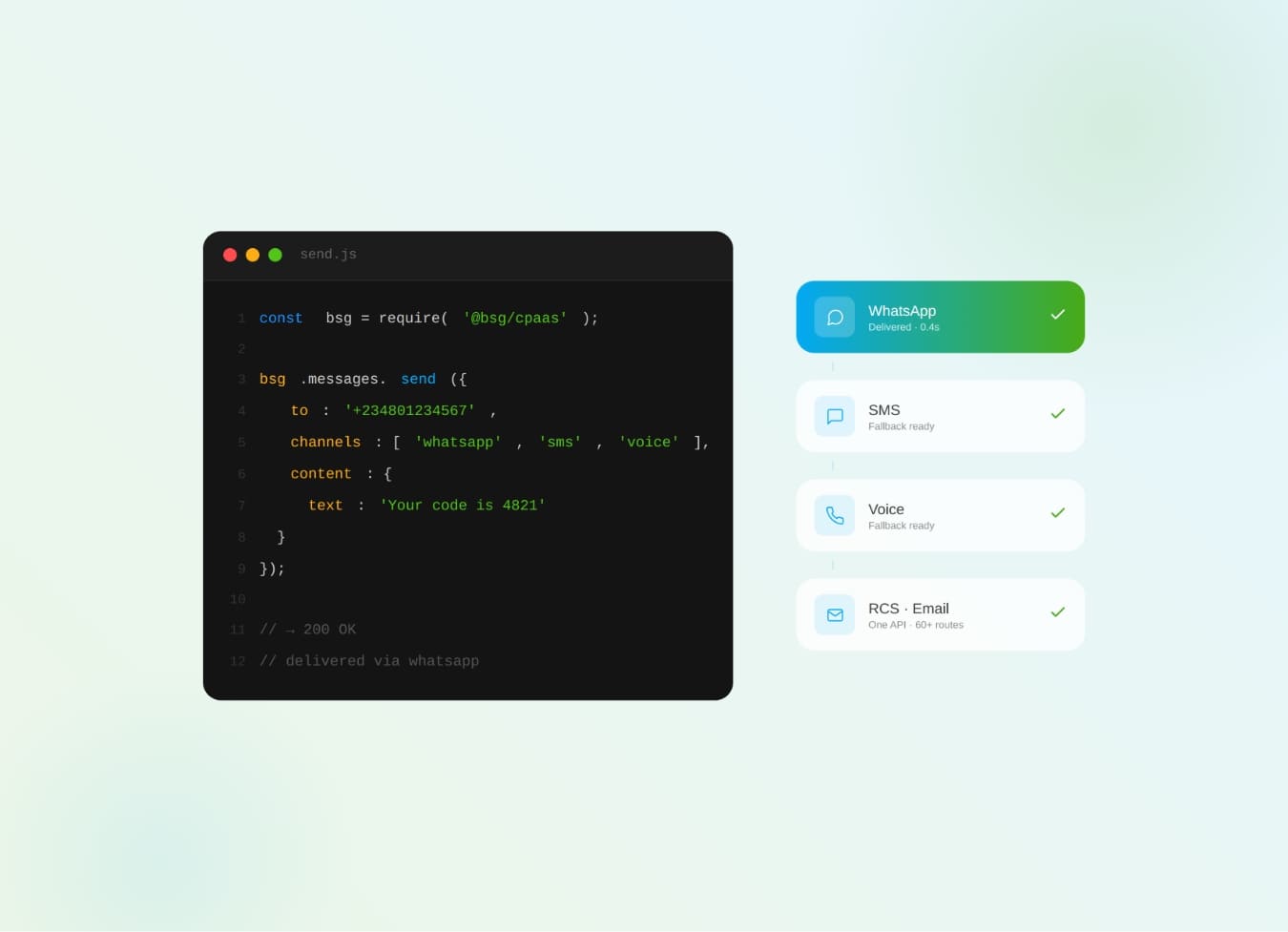
What Is CPaaS? The Complete Business Guide to Communications Platform as a Service
What is CPaaS? The cloud API layer that adds SMS, WhatsApp, voice & OTP to your apps — how it works and why it beats a multi-vendor stack.
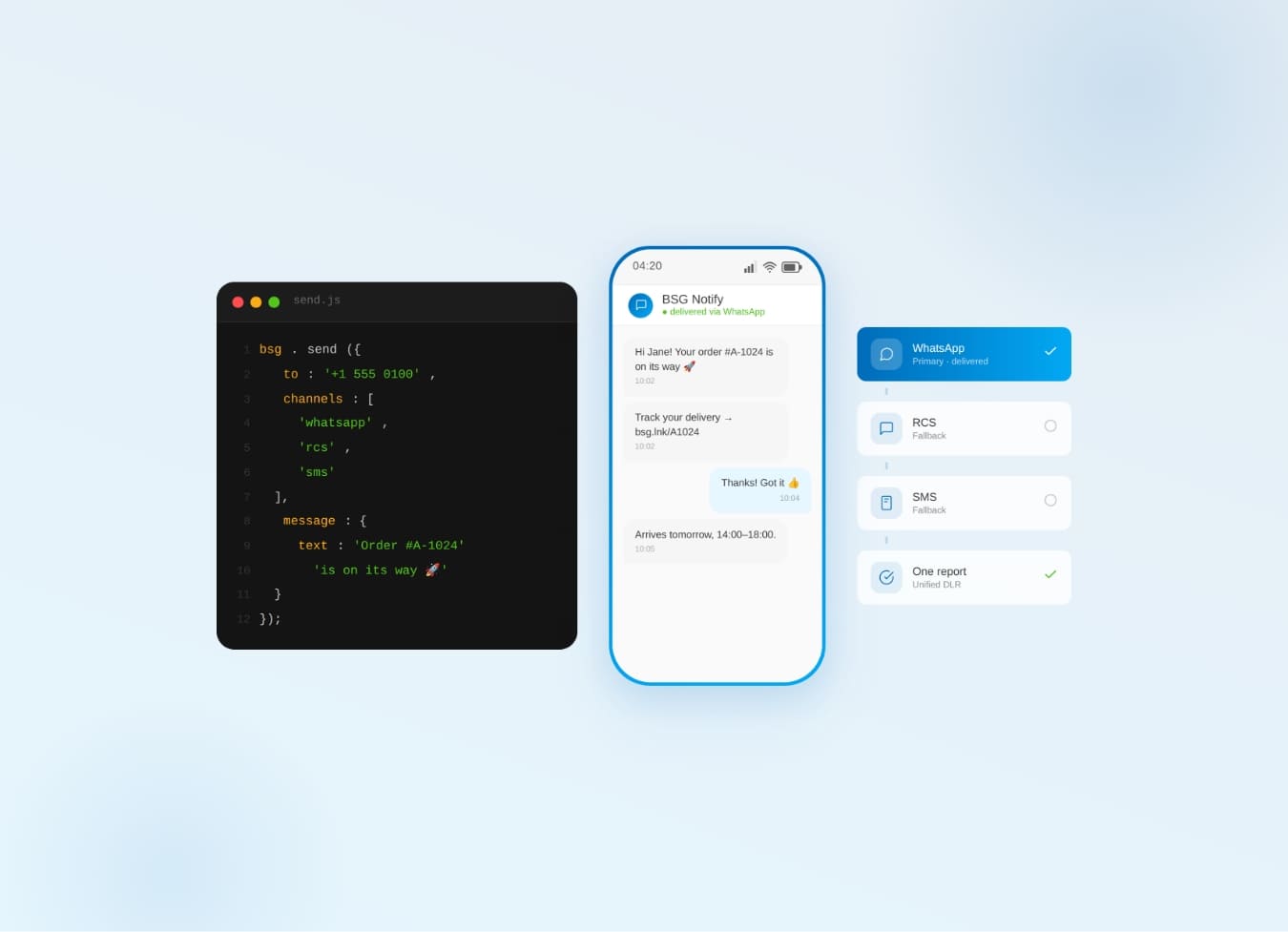
One Communication API for SMS, WhatsApp, Viber & RCS — Why It Beats Five
Why one communication API for SMS, WhatsApp, Viber & RCS beats five separate integrations — cascade fallback, unified reports.